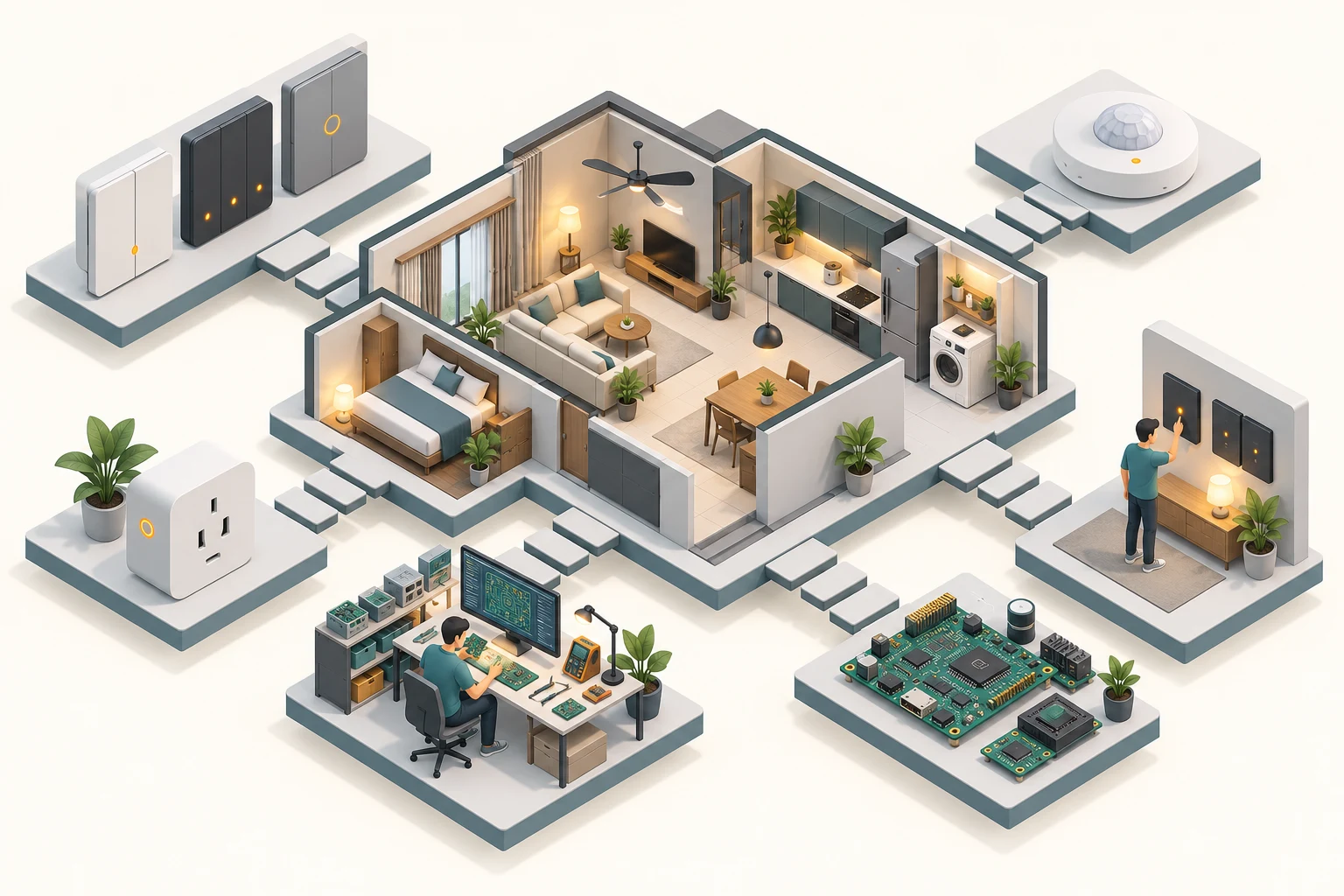
Simplified conceptual overview of the work, not an implementation schematic.
02 / THE CHALLENGE
Where the engineering gets interesting.
Connected products bring together sensing, control, embedded software, enclosures, manufacturing and the interfaces people use to configure a system. A decision in one area can affect all the others.
03 / MY CONTRIBUTION
The work I brought to the system.
01
Electronics and board design
Worked across the hardware lifecycle of 7+ IoT and automation devices. Designed mixed-signal and high-speed PCBs using Altium and Eagle, with board complexity ranging from two to six layers.
02
Embedded firmware and sensing
Developed low-level C / C++ firmware with STM32 and Mbed OS. Work included peripheral communication and integration of sensing technologies such as radar, PIR, infrared, temperature and humidity.
03
Mechanical and manufacturing integration
Used SolidWorks, Fusion 360 and prototype work to connect PCB design with enclosure requirements. Coordinated with mechanical teams and manufacturers on components, materials, molding and quality-control needs.
04
Technical leadership with hands-on delivery
Balanced team direction and task oversight with firmware development, PCB work, prototyping and research. Collaborated with software and design colleagues to connect hardware behaviour with configuration and product workflows.
ENGINEERING NOTES / FROM MY FIGMA PORTFOLIO
The decisions inside the product.
My earlier Kasper portfolio documents how the physical controls, PCB architecture and enclosure requirements shaped the hardware. These examples connect the finished product with the engineering behind it.
01 / SMART SWITCHSeparate the touch interface from the power circuitry.+
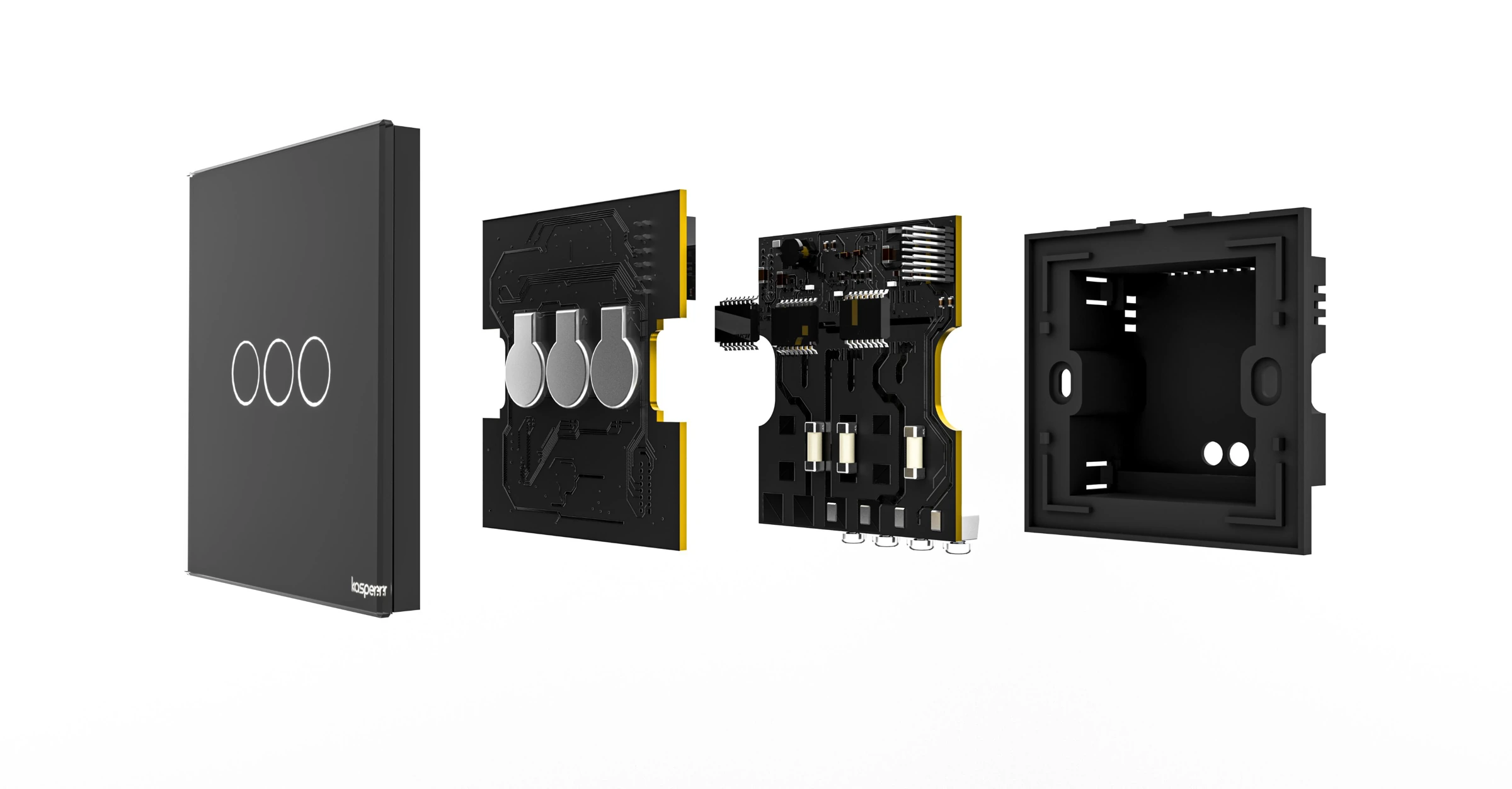
The upper board carried the MCU, capacitive touch sensing and other DC circuitry. The lower board grouped AC and communication components. This made the board arrangement part of the interface and enclosure design.
Two-layer boards with different copper weights for the upper and lower assemblies
UART, CAN, I²C, SPI and GPIO for sensors, drivers and device status
Layout review considered clearances, trace widths and IPC-2221 guidance
↗EXPLODED PRODUCT RENDERSmart switch — exploded viewTouch face, upper and lower PCBs, and rear enclosure separated to show the assembly.
02 / SMART PLUGDesign the board stack around the load and assembly.+
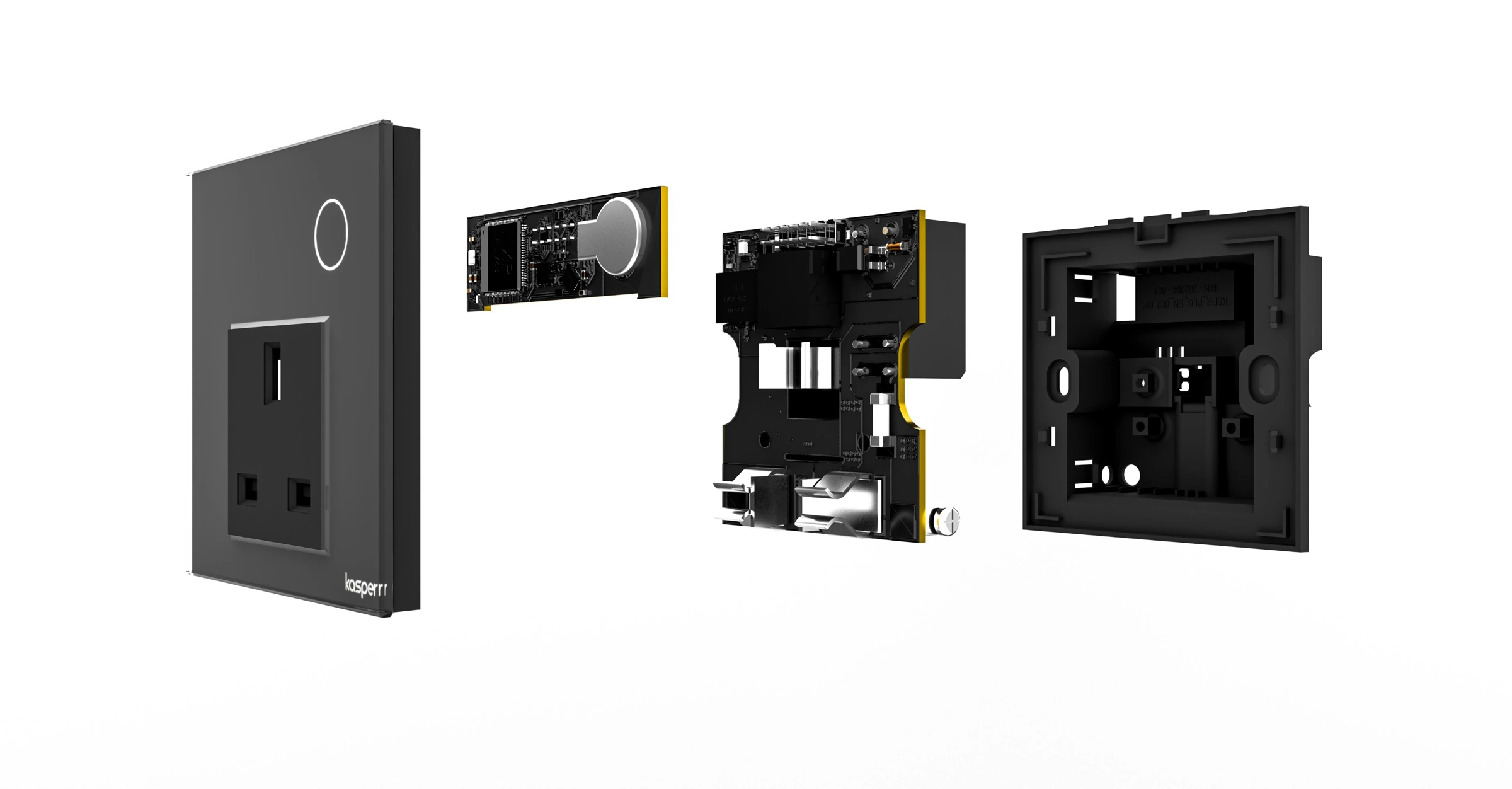
The smart-plug design used four-layer PCBs and a heavier-copper lower board for the load path. The upper board brought together the MCU, touch interface and sensing, with power-related components on the lower board.
The board arrangement and enclosure assembly were developed together for the Kasper product format.
↗EXPLODED PRODUCT RENDERSmart plug — exploded viewSocket face, circuit boards and enclosure shown as separate parts.
03 / FAN & DIMMERShare the interface. Adapt the power board.+
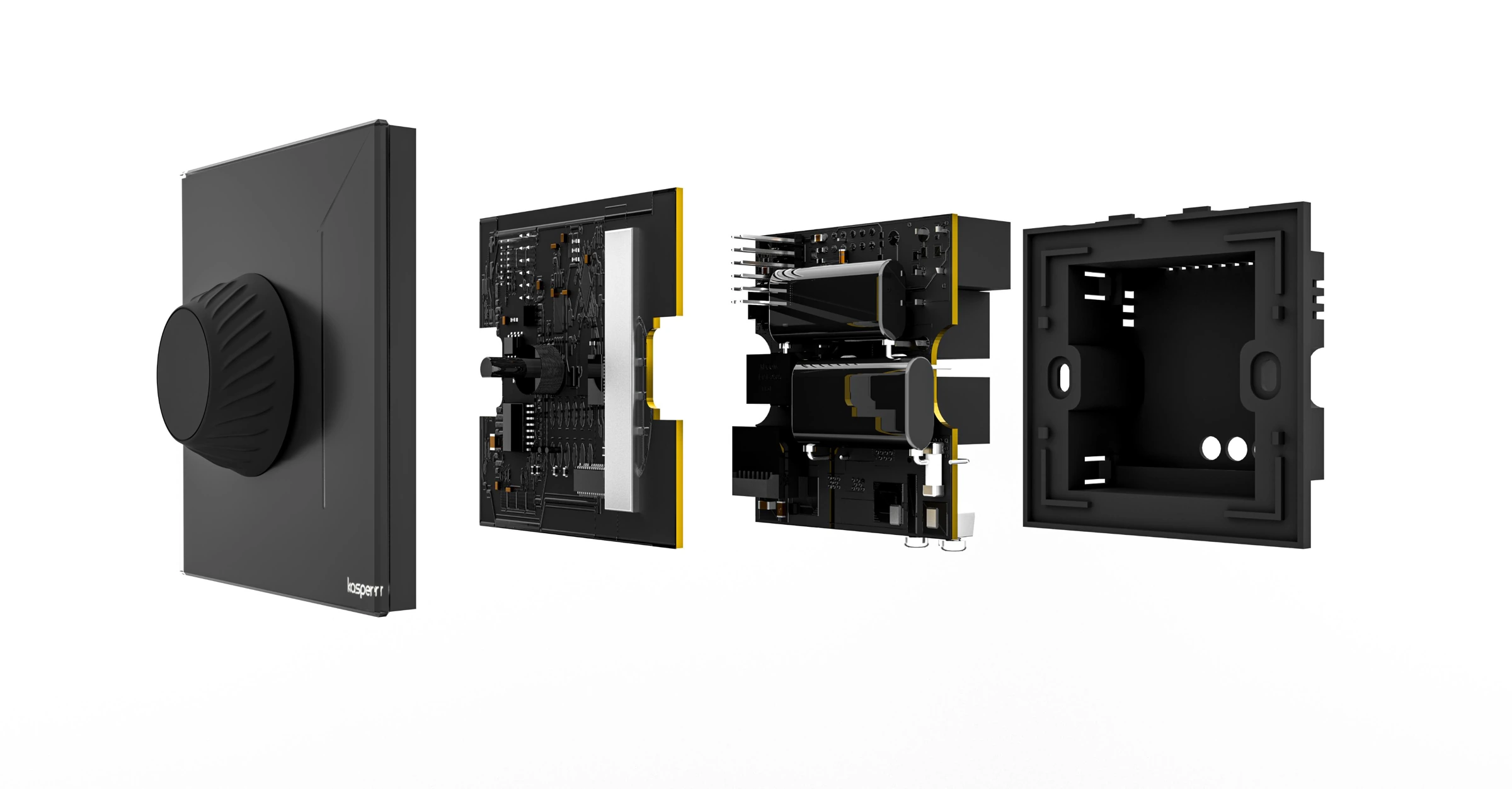
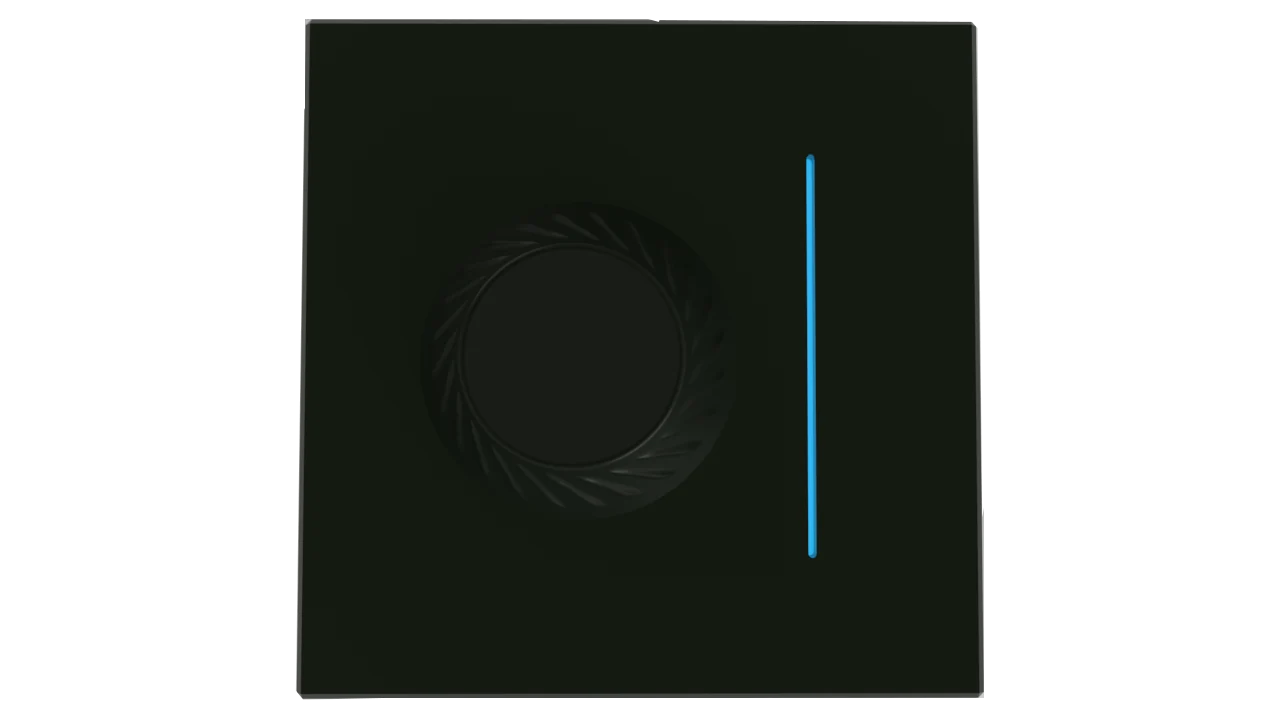
A common upper board worked with two different lower-board variants for fan-control and lighting-dimmer applications. This reused the control interface across two product functions.
The two-layer boards separated MCU and sensing circuitry from AC and communication components, while retaining the device interfaces needed by the wider system.
↗EXPLODED PRODUCT RENDERFan / dimmer — exploded viewRotary interface, board stack and enclosure shown in assembly order.
IN-HOUSE PROTOTYPING
Build, assemble and investigate.
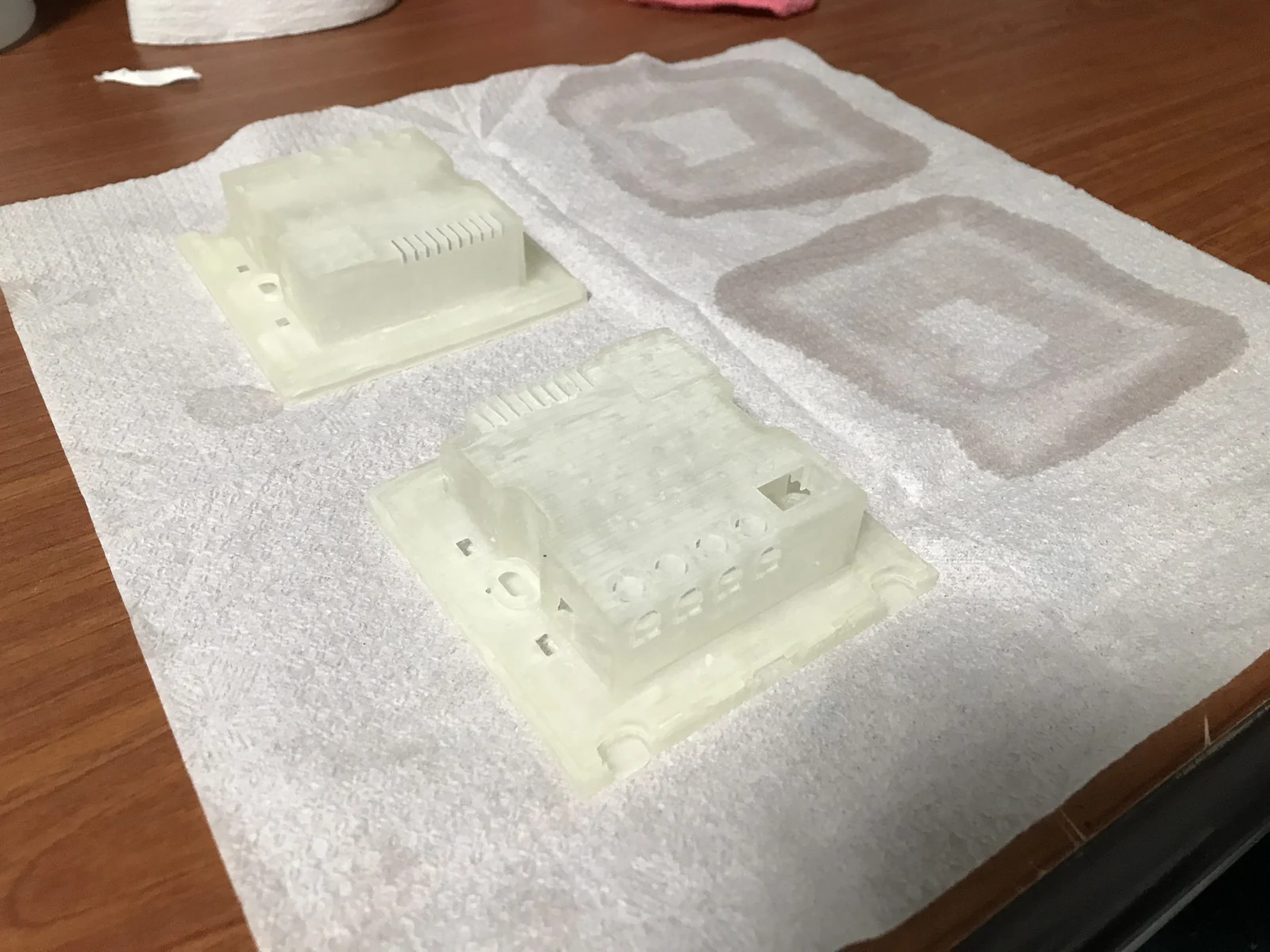
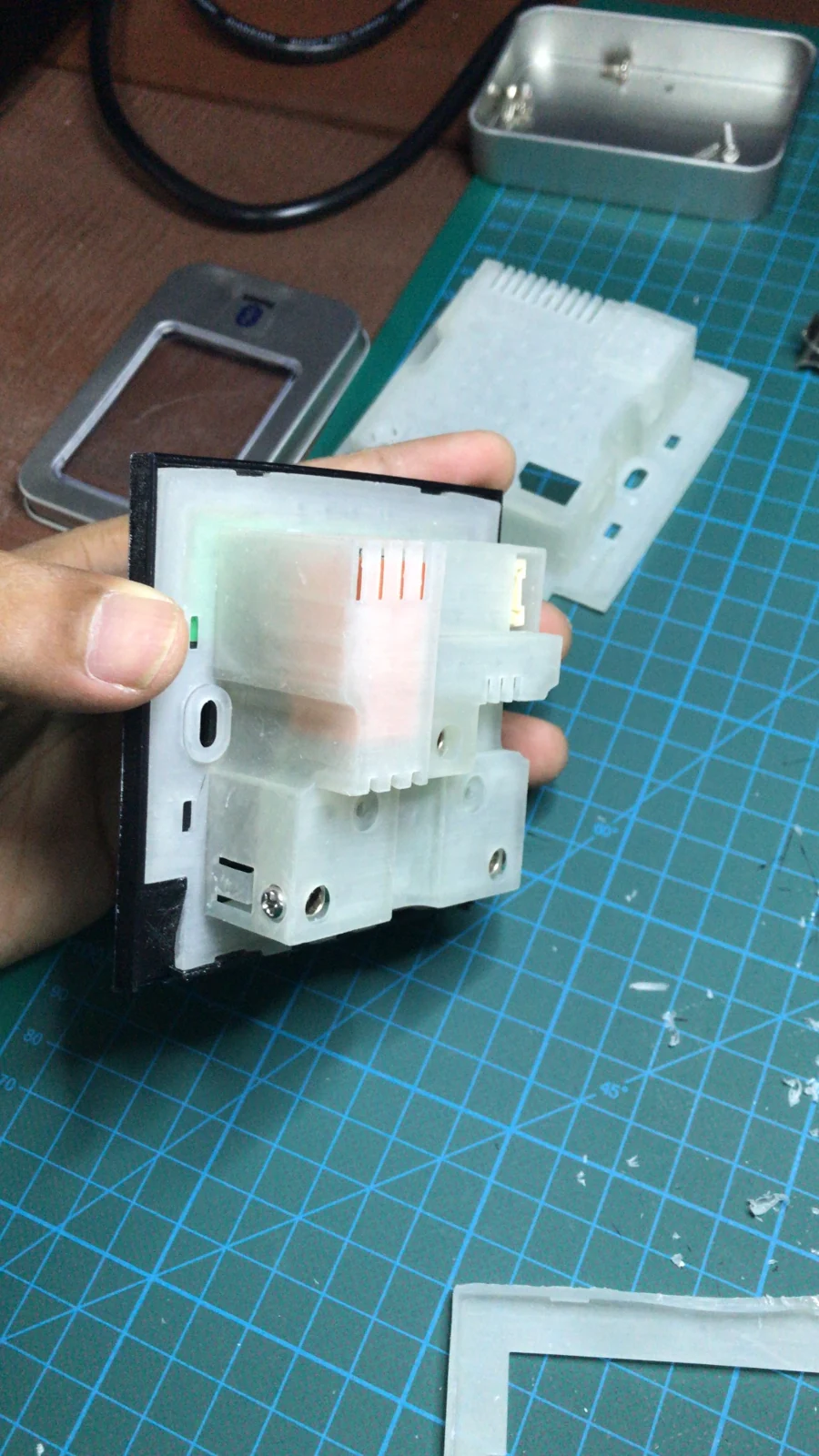
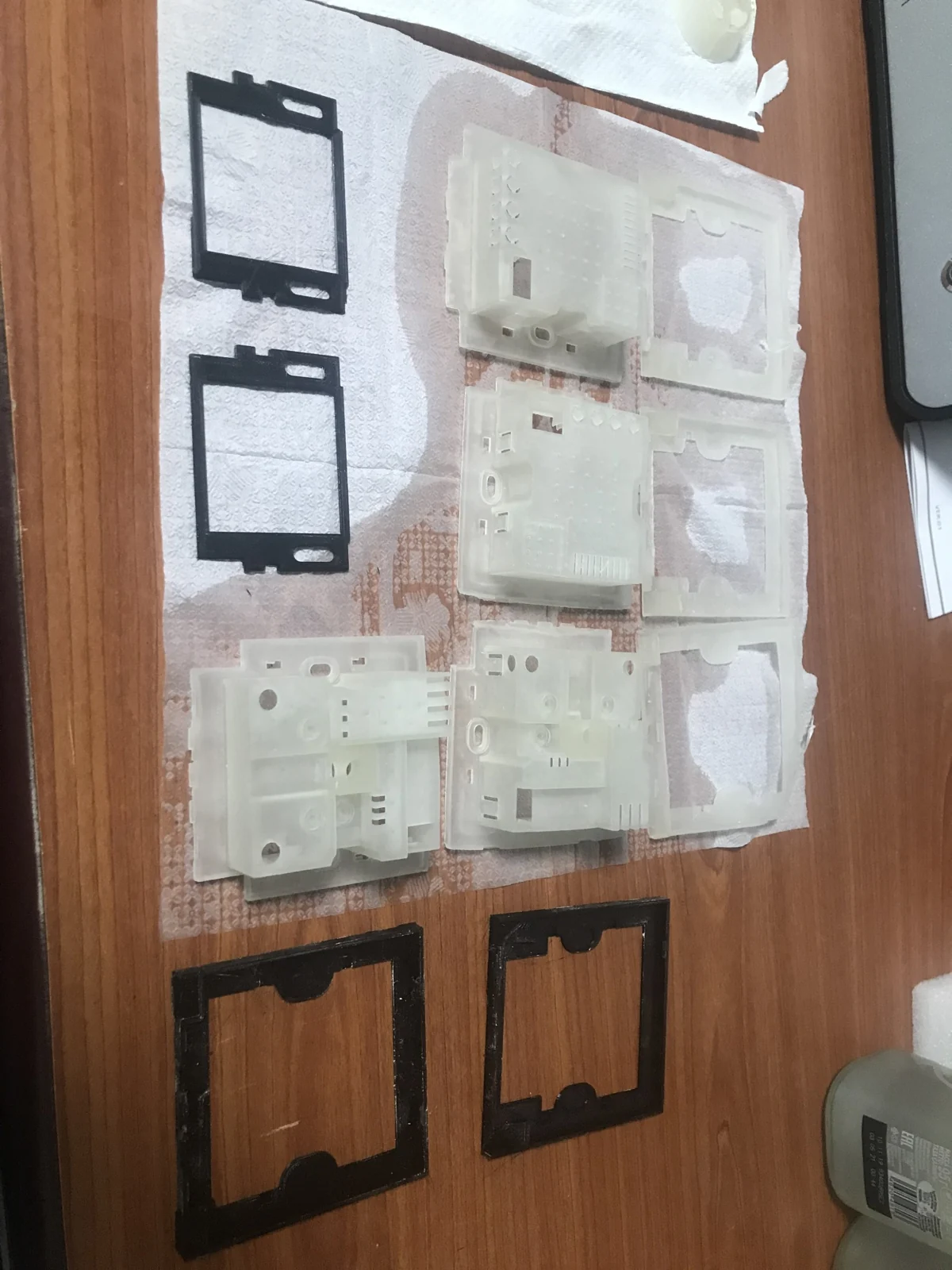
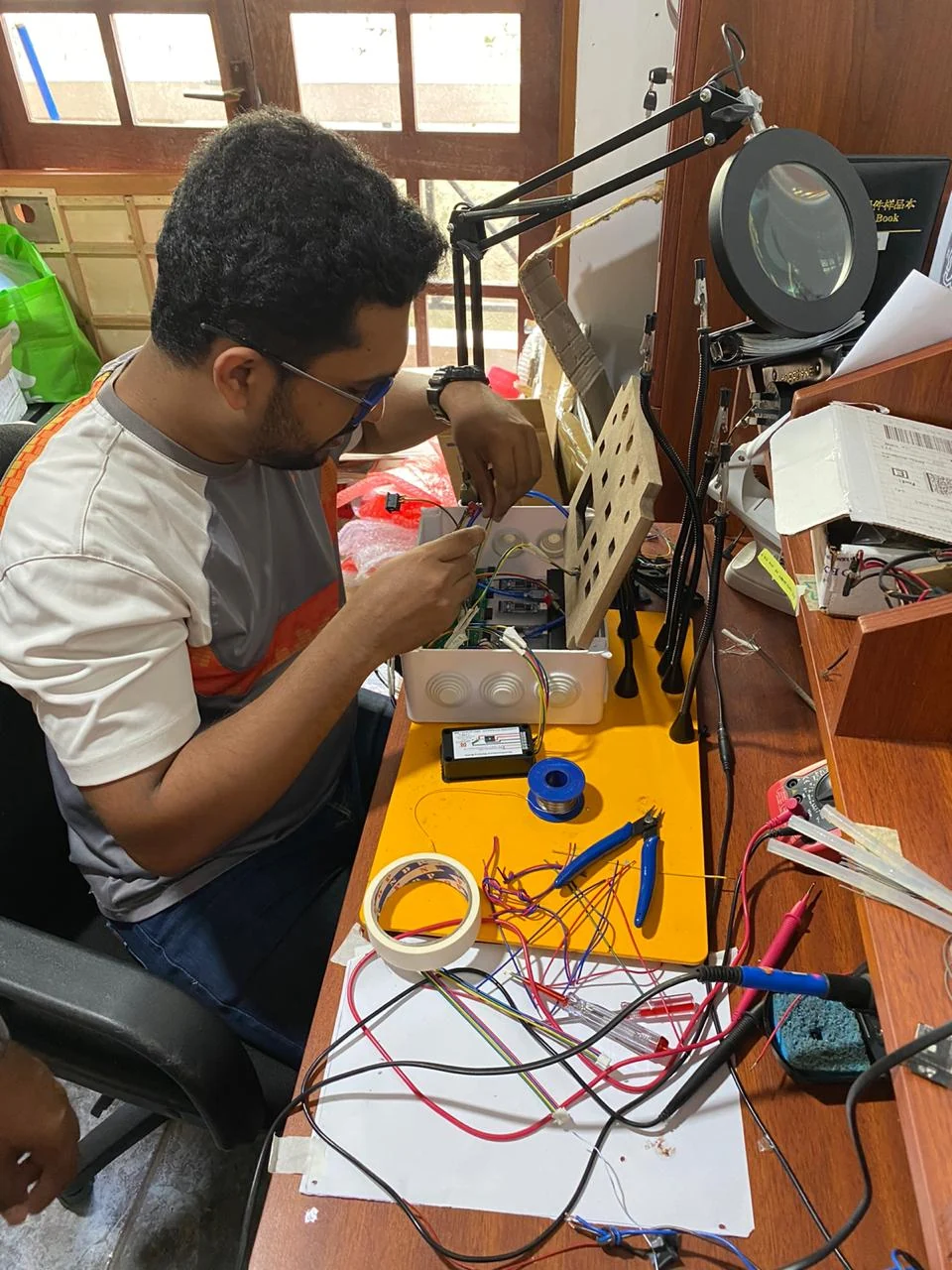
My Kasper workflow included 3D and resin printing for enclosure samples, Voltera PCB prototyping, SMD pick-and-place and reflow assembly, and Shapeoko CNC work for test parts. Oscilloscopes, multimeters and signal generators supported bench investigation.
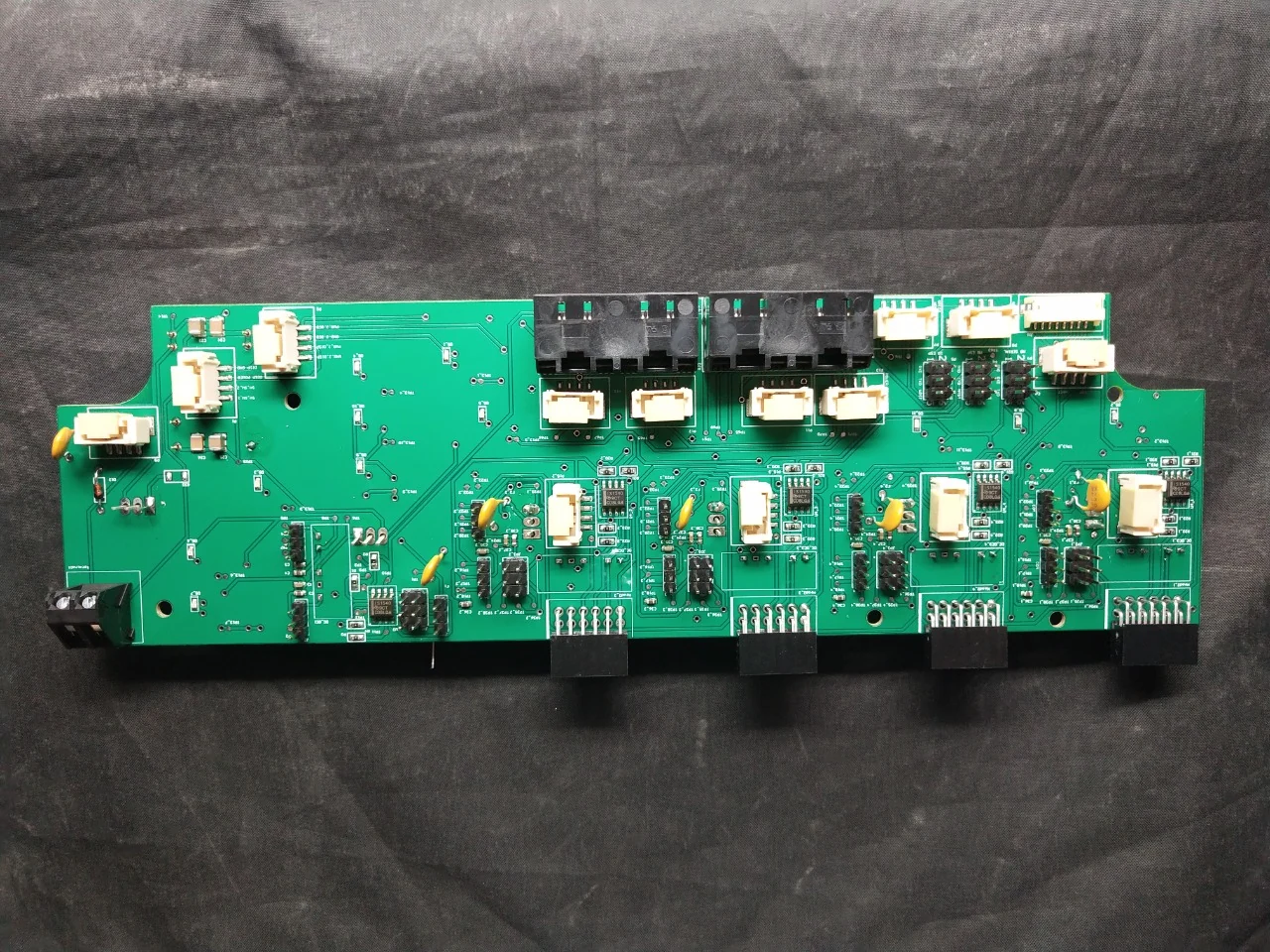
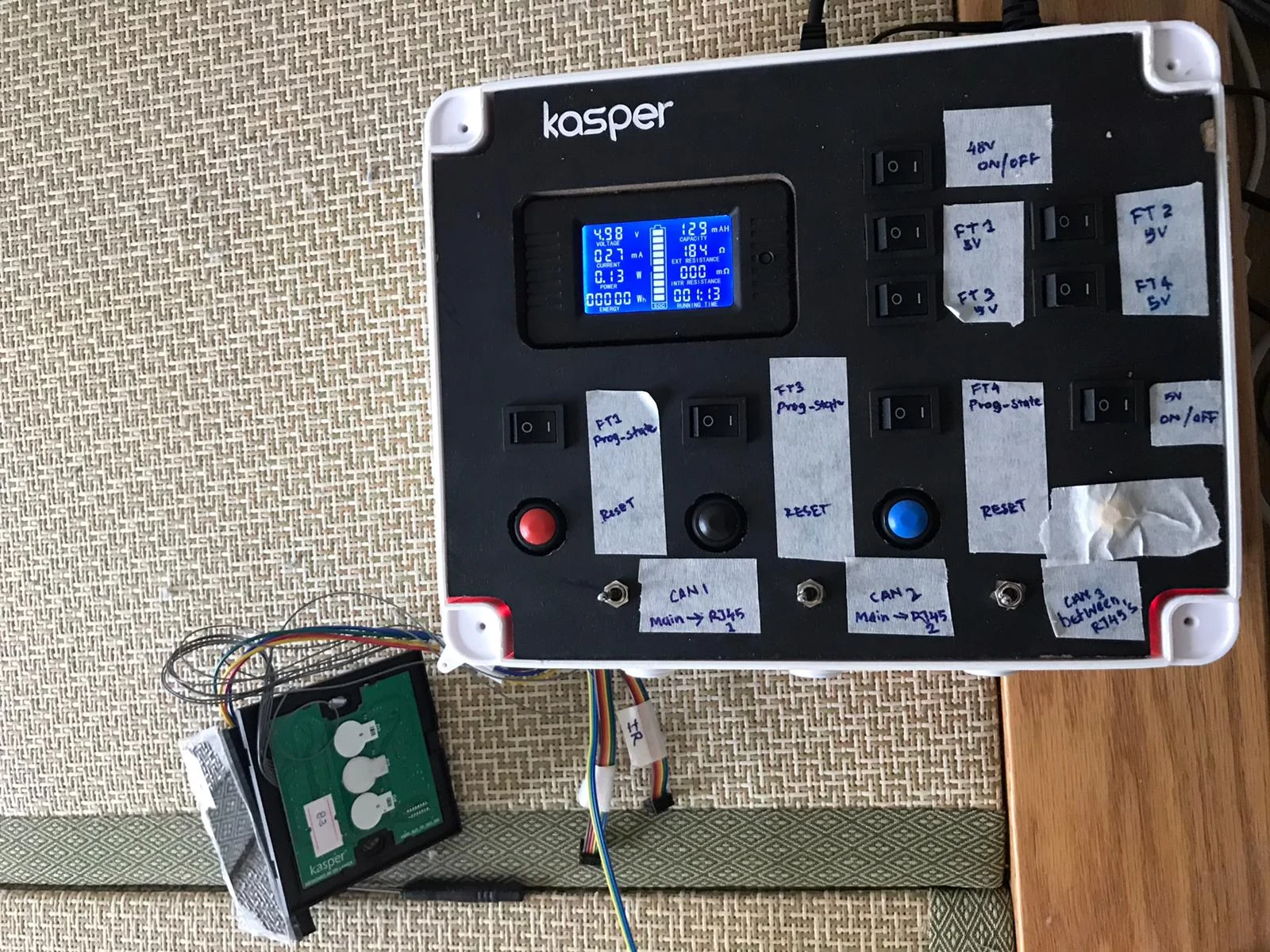
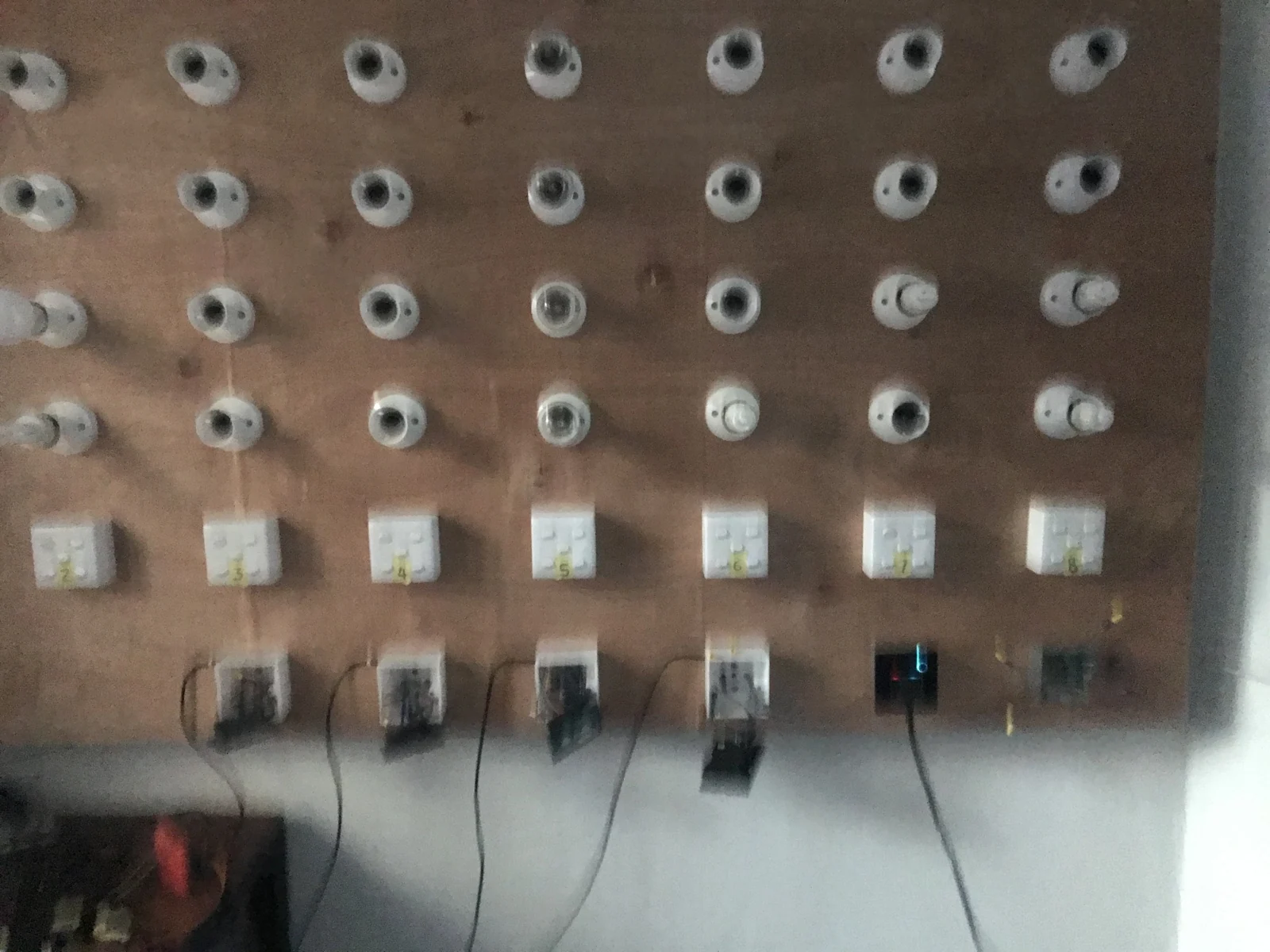
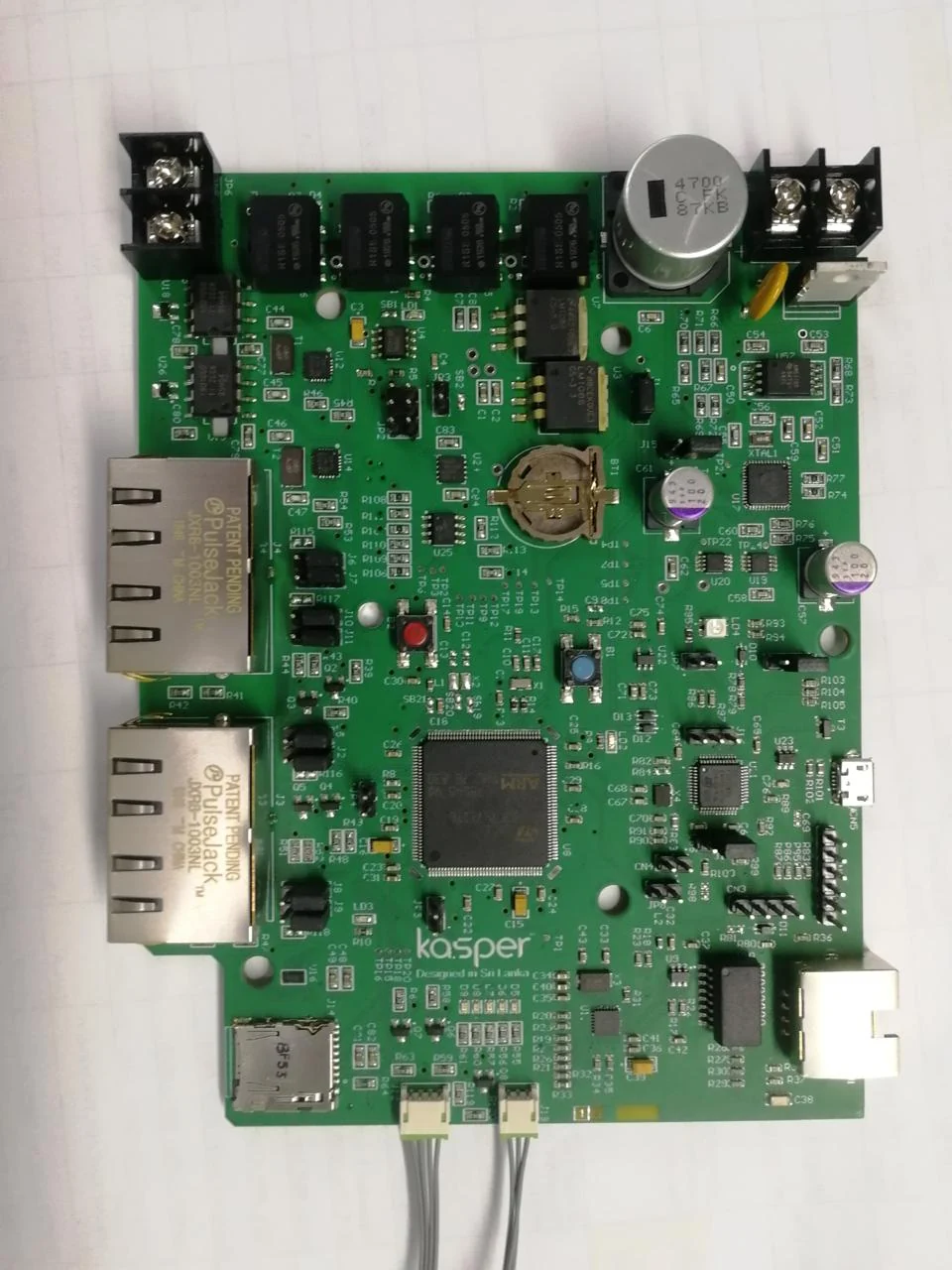
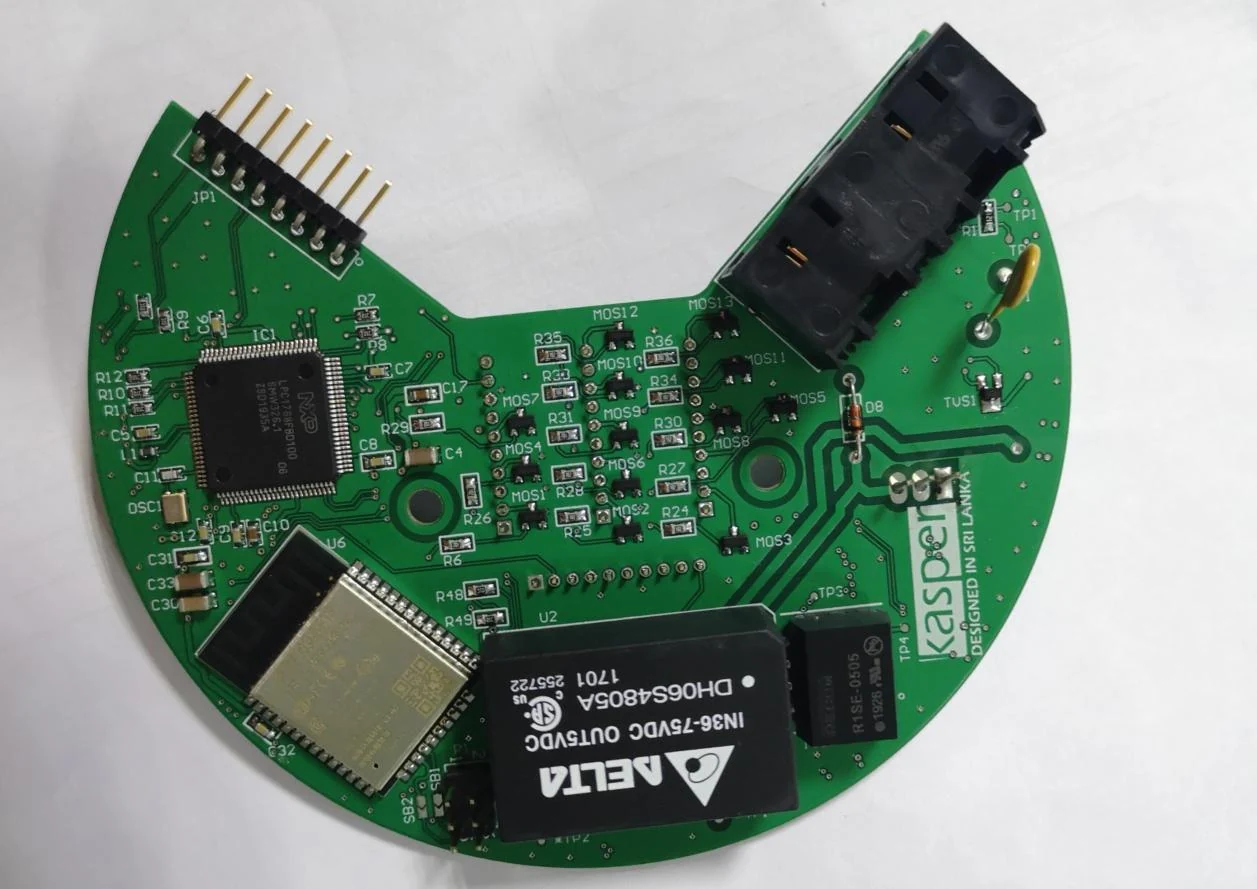
↗PCB PROTOTYPEElectronics behind the interfacePopulated PCB with relays, terminal blocks and board connectors.↗3D-PRINTED PARTSFrom CAD to physical partsPrinted enclosure shells and frames prepared for prototype assembly.↗3D-PRINTED PROTOTYPEAn assembly you can holdPrinted part used to explore the physical assembly and fit.↗TEST JIGA practical test interfaceKasper test-jig assembly with a display, labelled controls and a connected board.
Kasper brings lighting, appliance control, sensing and automation into a shared home-control system. Its public product range provides context for the electronics, firmware and mechanical integration behind my work.
ORIGINAL PRODUCT PRESENTATIONS / MY DRIVE ARCHIVE
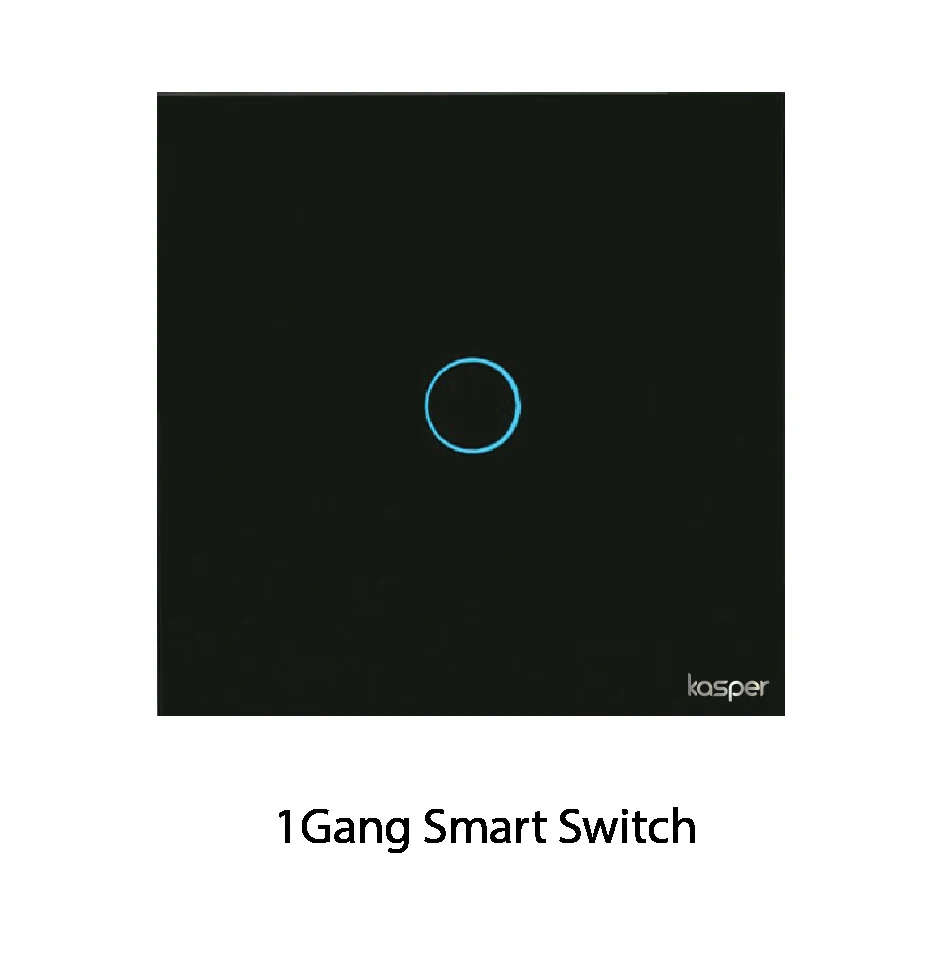
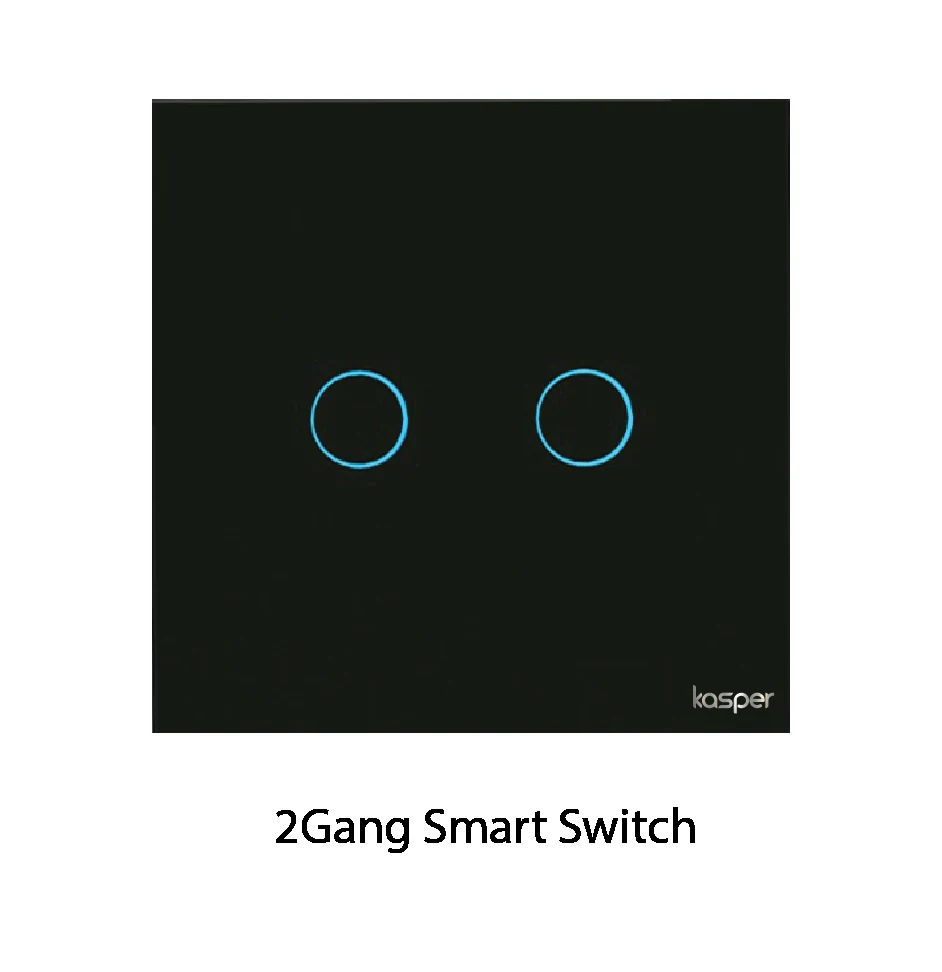
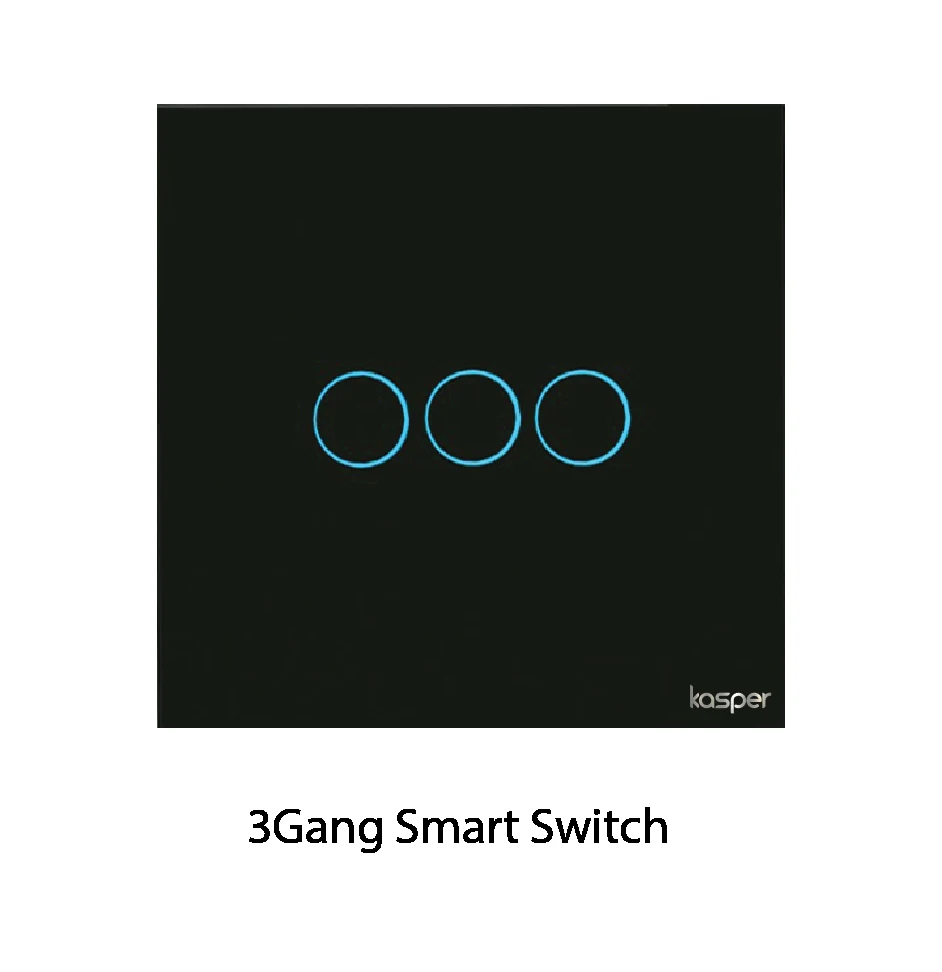
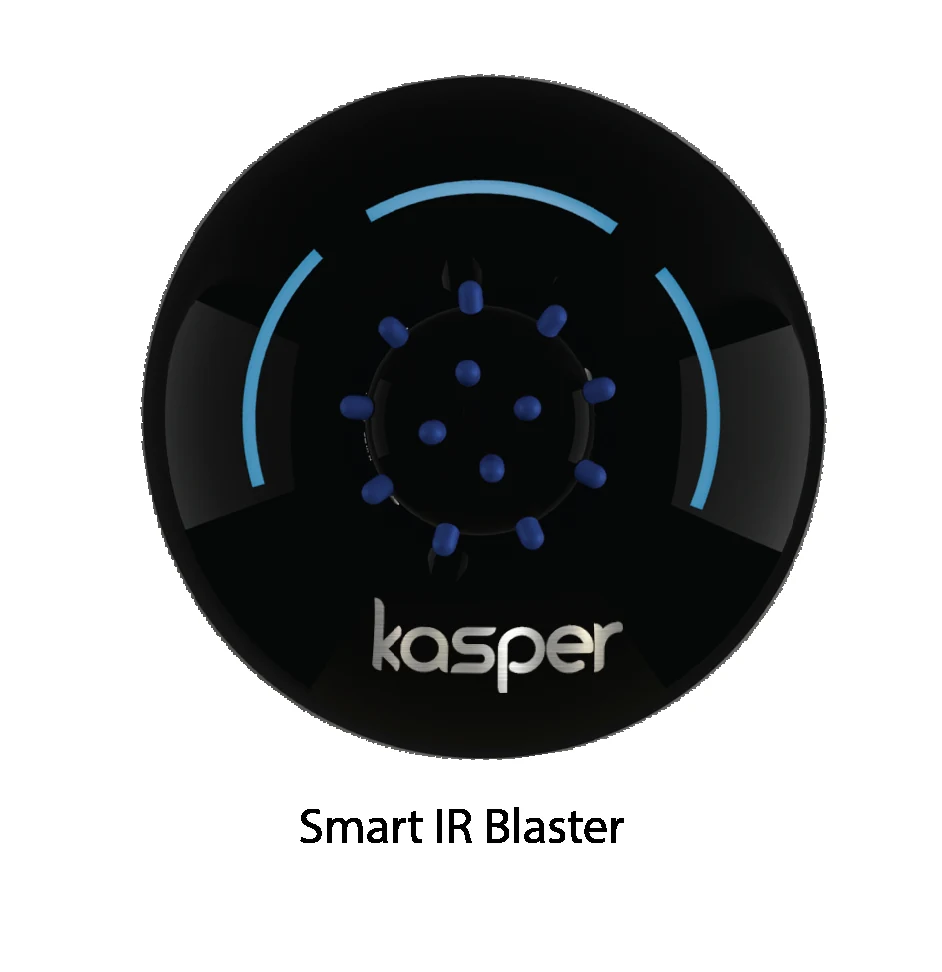
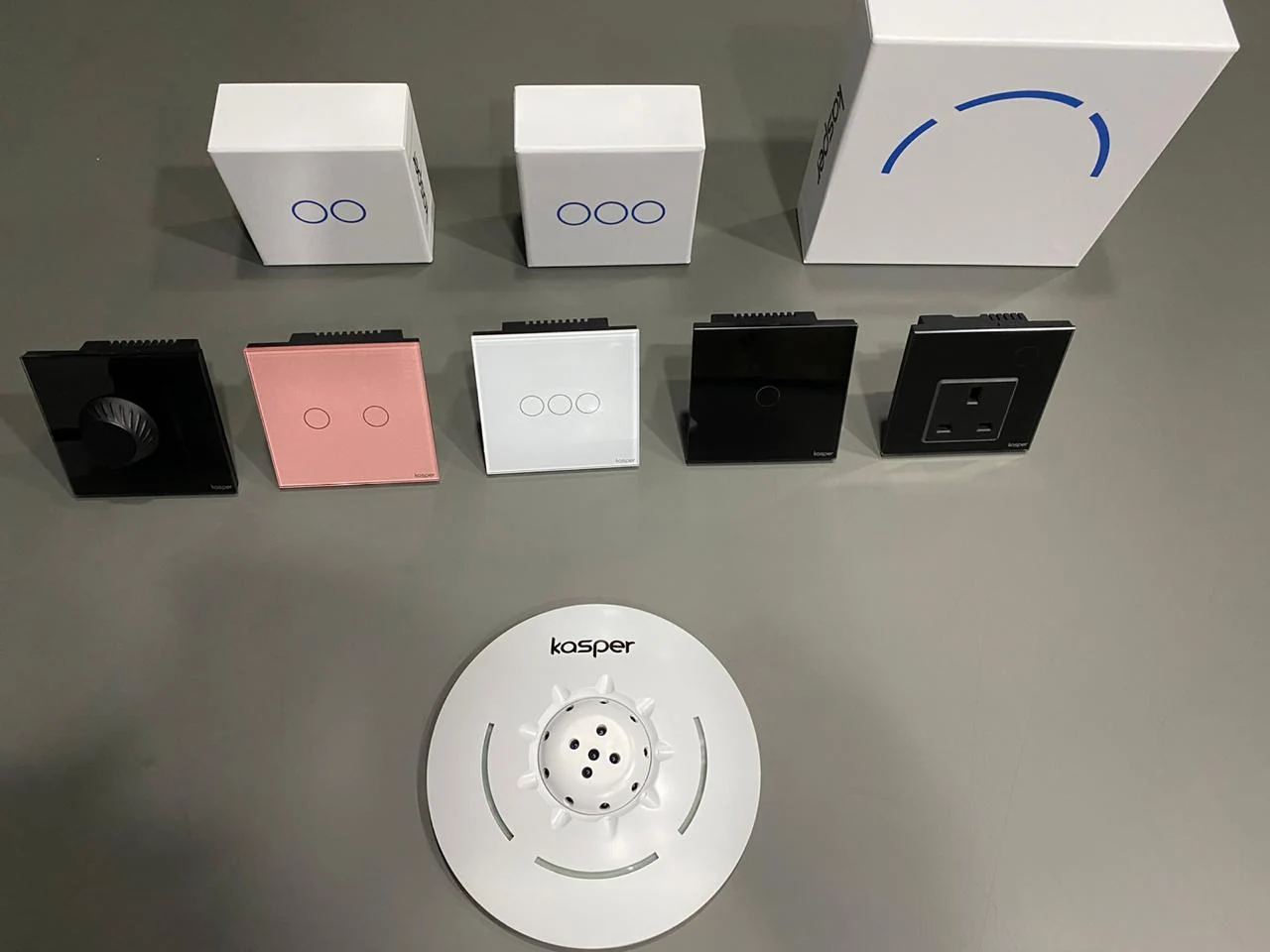
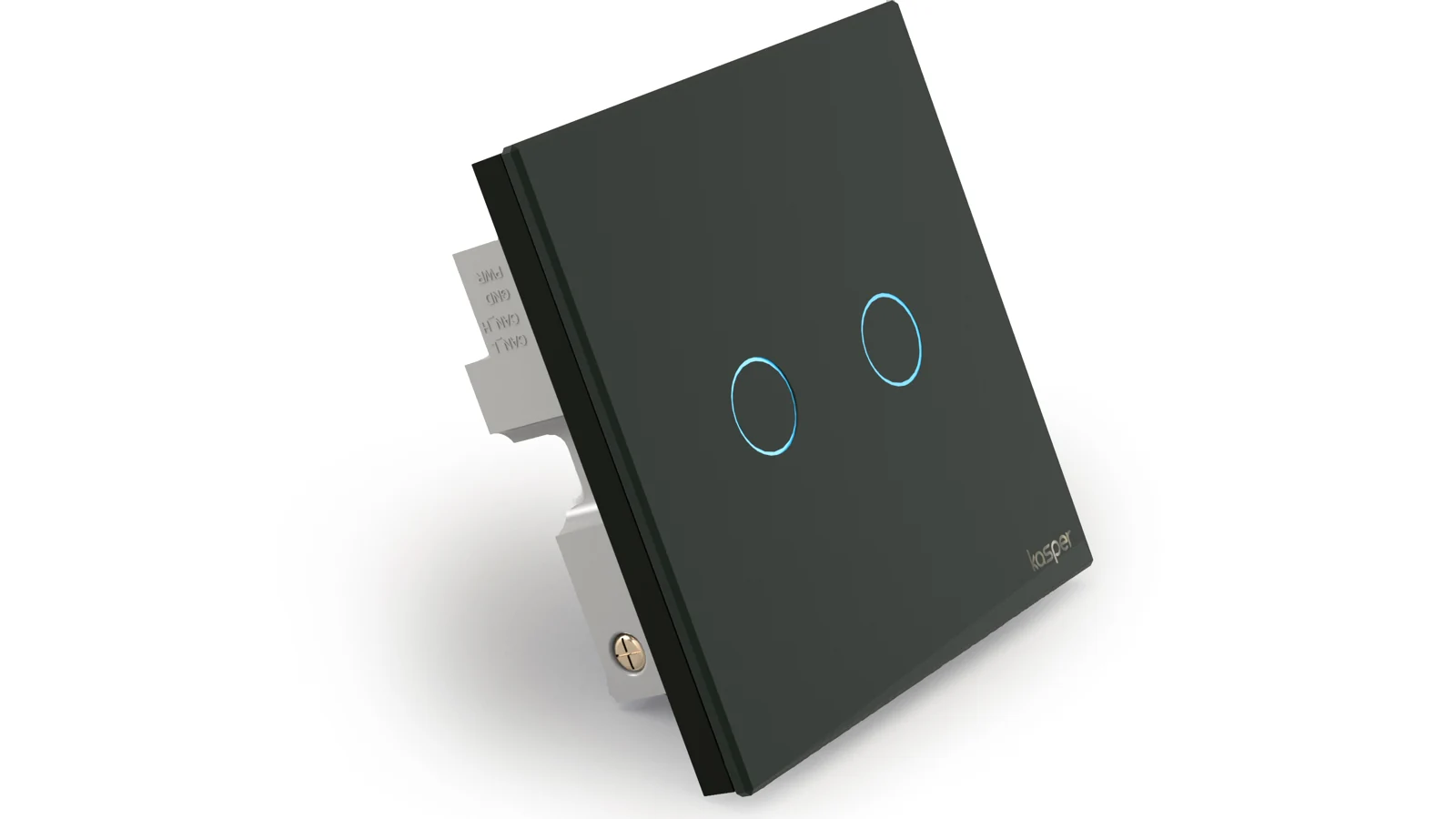
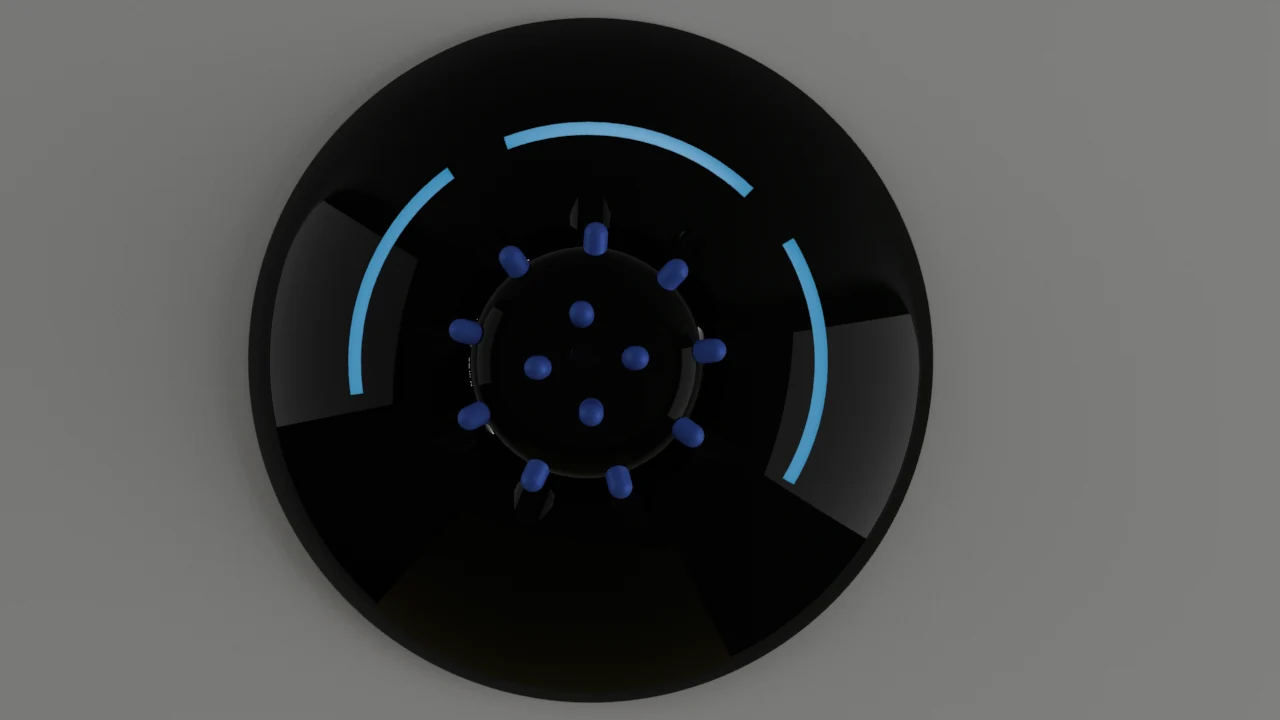
↗DRIVE PRODUCT ARCHIVEOne-gang touch switchFront-view product presentation of the one-gang smart switch.↗DRIVE PRODUCT ARCHIVETwo-gang touch switchFront-view product presentation of the two-gang smart switch.↗DRIVE PRODUCT ARCHIVEThree-gang touch switchFront-view product presentation of the three-gang smart switch.↗DRIVE PRODUCT ARCHIVESmart IR blasterProduct presentation of the circular Kasper IR device.
01 / LIGHTING
Touch switches
One-, two- and three-gang wall controls with illuminated touch indicators.
02 / VARIABLE CONTROL
Fans & dimming
Controller hardware for ceiling fans and dimmable lighting.
03 / APPLIANCES
Smart plugs
Connected socket outlets for switching ordinary appliances.
04 / SENSING & IR
Kasper Flying Object
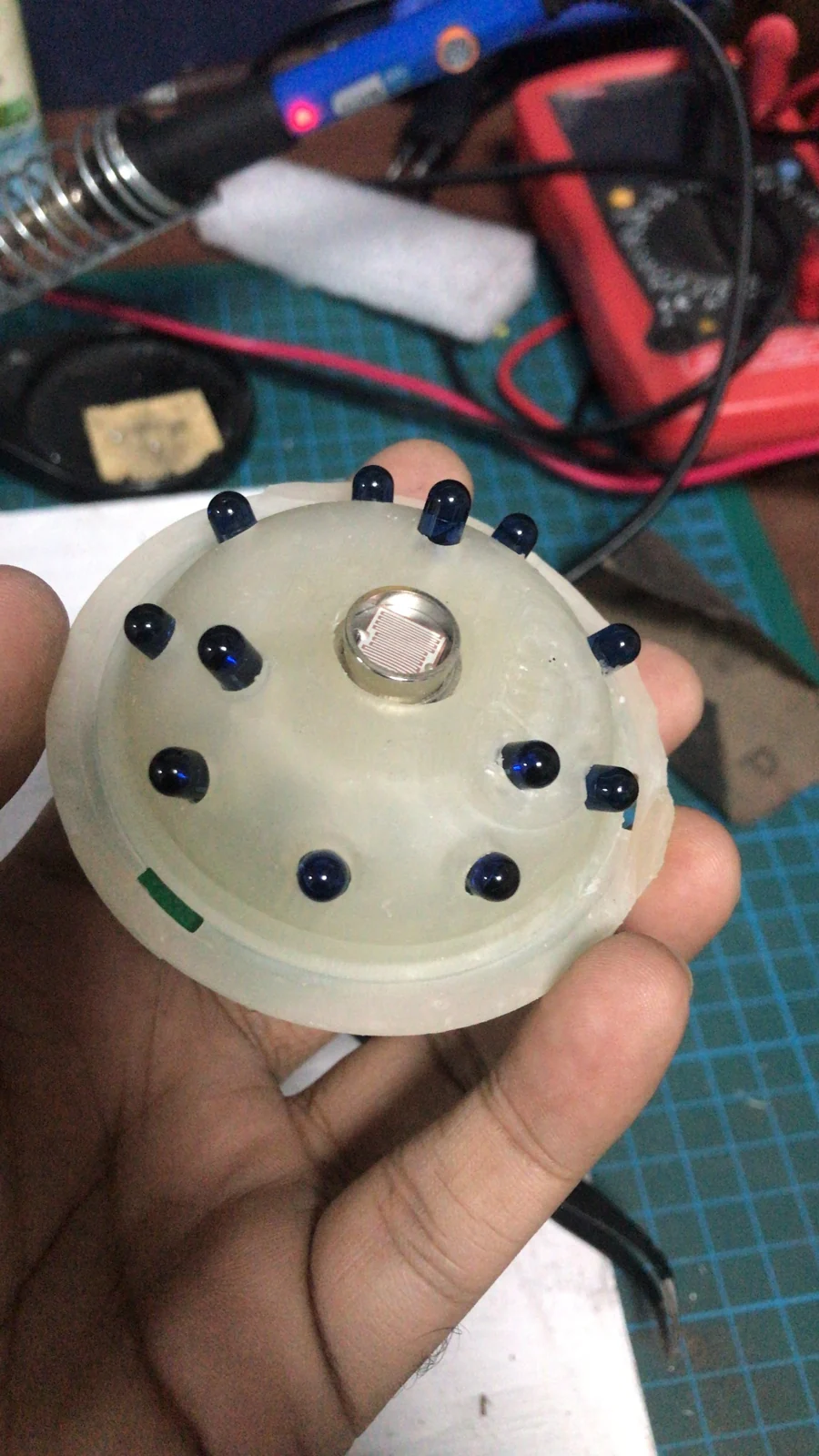
A circular device combining IR control with temperature, motion and light sensing.
05 / CONNECTION
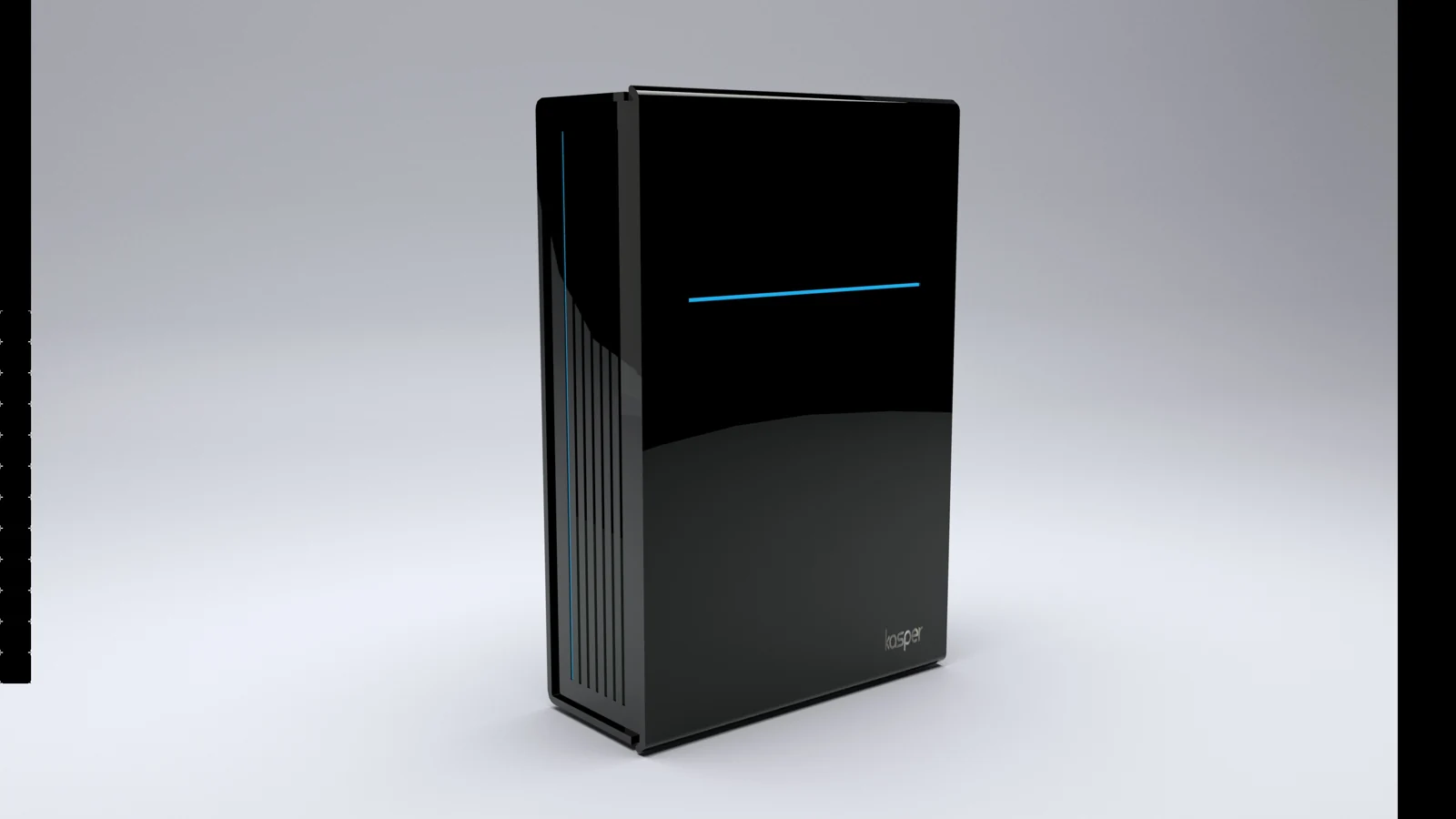
Main board
A central part of the connected-device system.
06 / HOME AUTOMATION
Curtains & doorbells
Curtain control and app-connected door notifications extend the product range.
Product context: Kasper’s official catalogue ↗. The range shown by the company today may include products introduced after my tenure.
The wider user experience
Kasper describes app-based controls, schedules, scenes, energy visibility and voice-assistant integration. My contribution here focuses on the hardware, embedded firmware, prototypes and development tooling within that broader system.
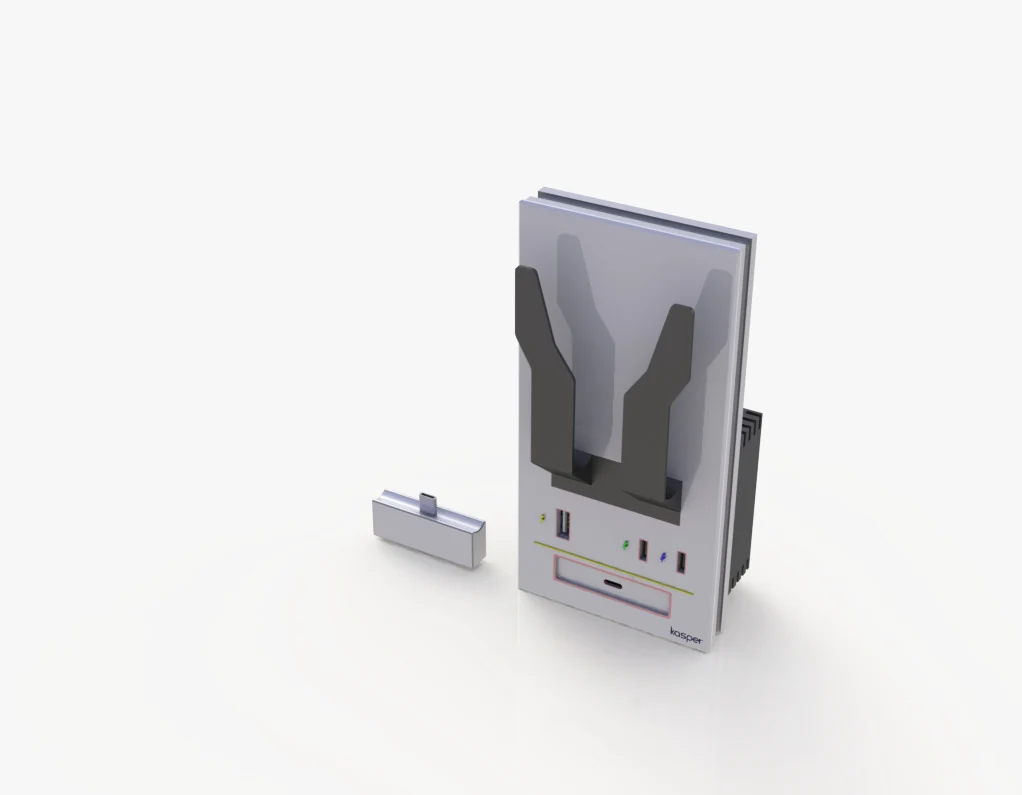
Original exploded product renders from my engineering portfolio show how the interfaces, PCB assemblies and enclosures fit together. Open an image to inspect the details; physical prototypes and test setups appear in the photo archive below.
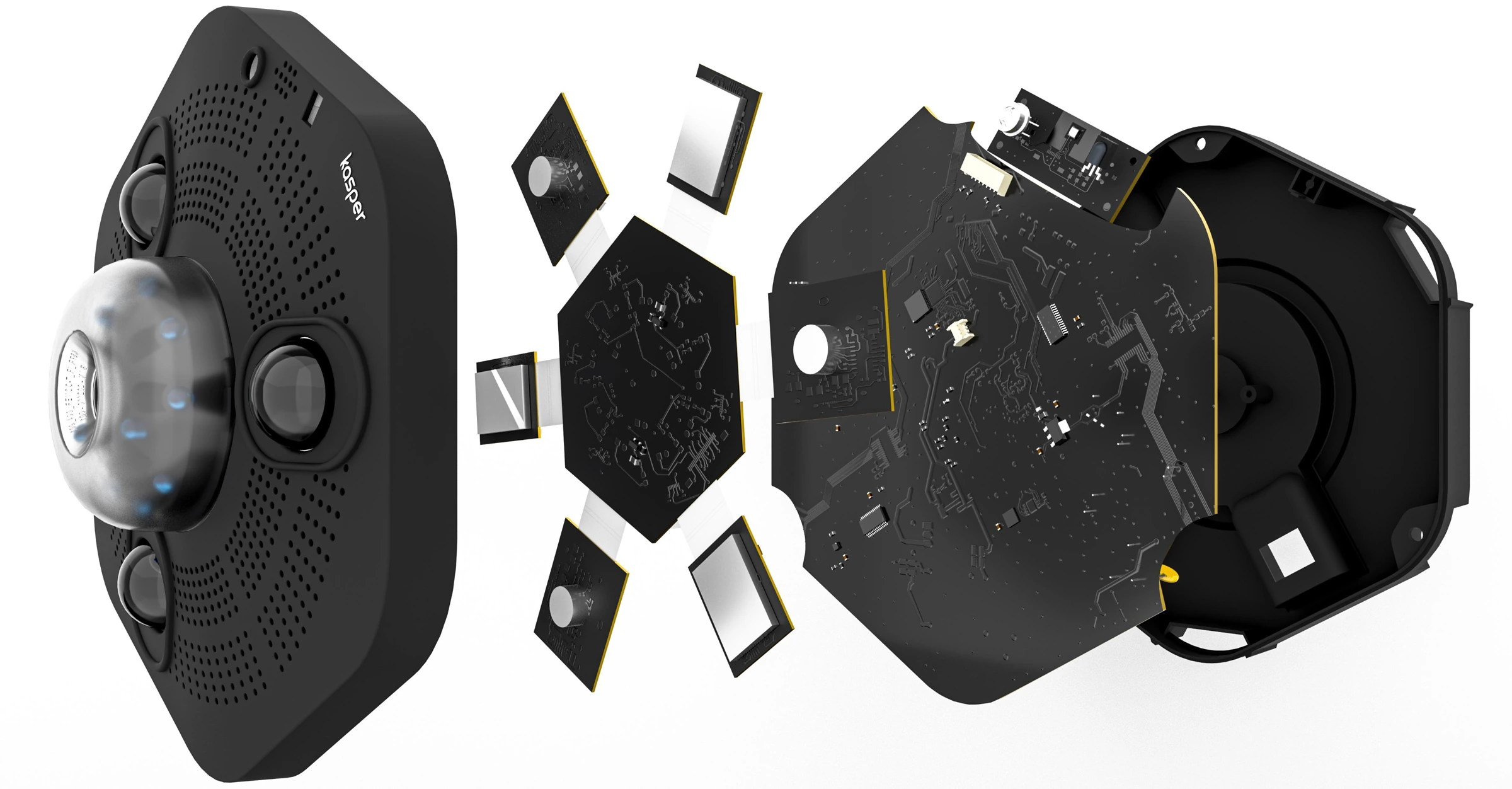
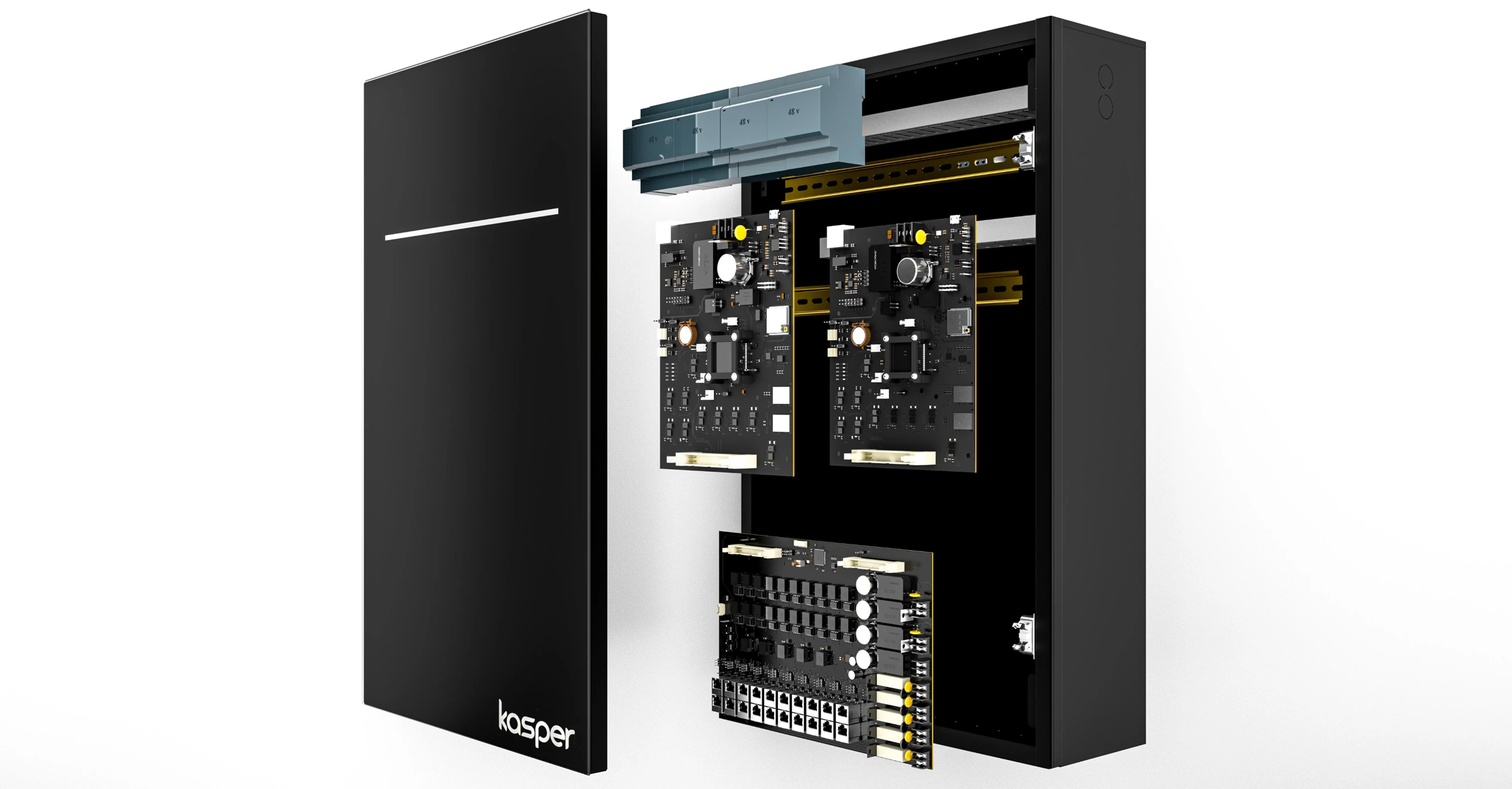
↗EXPLODED PRODUCT RENDERSmart switch — exploded viewTouch face, upper and lower PCBs, and rear enclosure separated to show the assembly.↗EXPLODED PRODUCT RENDERSmart plug — exploded viewSocket face, circuit boards and enclosure shown as separate parts.↗EXPLODED PRODUCT RENDERFan / dimmer — exploded viewRotary interface, board stack and enclosure shown in assembly order.↗EXPLODED PRODUCT RENDERIR controller — exploded viewSensor face, angled sensor boards, main PCB and circular enclosure.↗EXPLODED PRODUCT RENDERMain control unit — exploded viewFront cover, power supply, controller boards and connection hardware.
PROJECT ARCHIVE / KASPER GLOBAL
From concept to the workbench.
Selected photographs and 3D design work from my Kasper period: hardware I developed, product renders, printed parts and assemblies used during prototyping and testing. Open any image for a closer look.
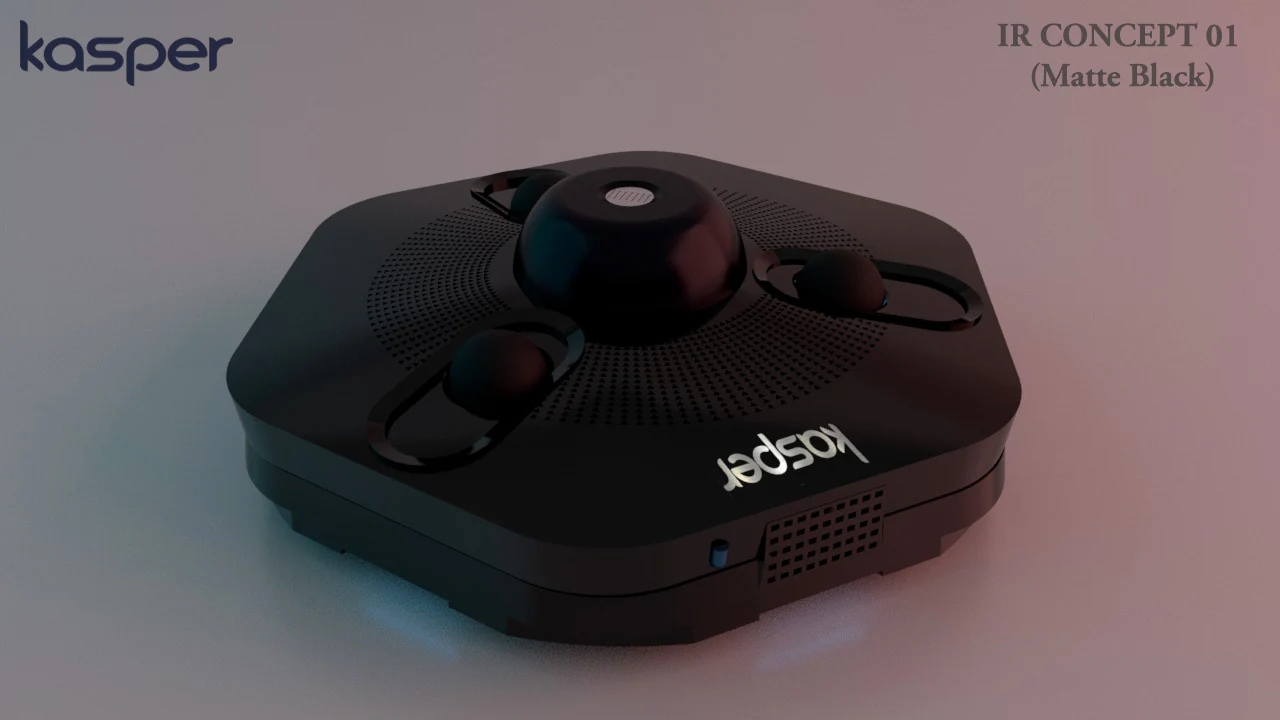
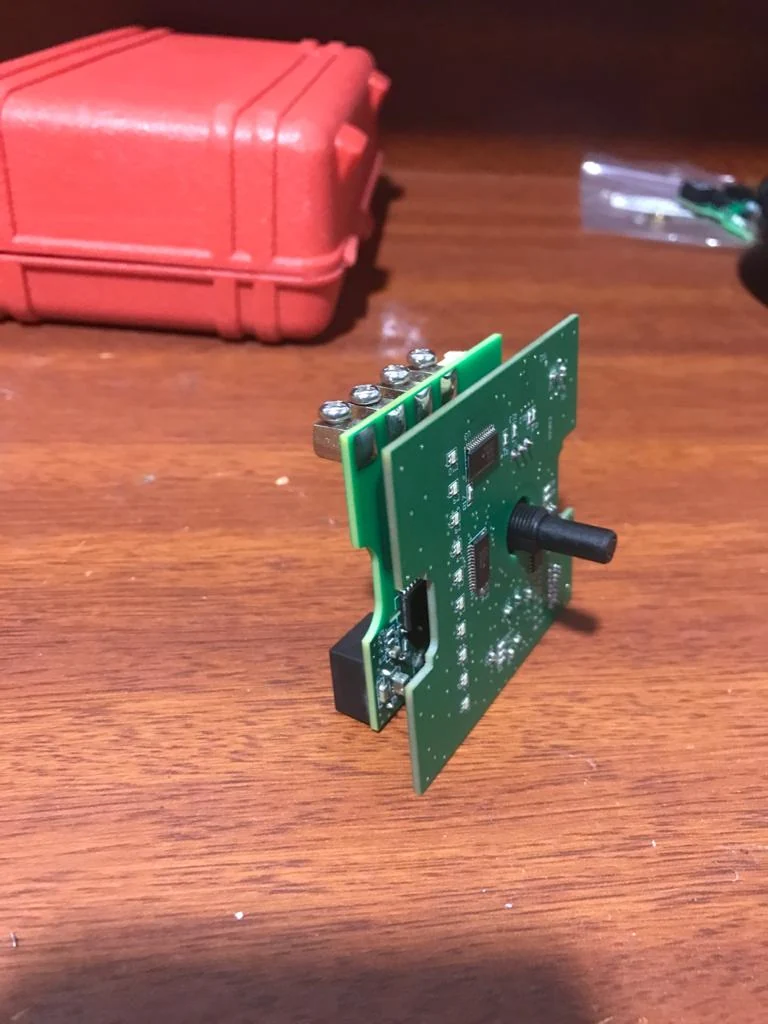
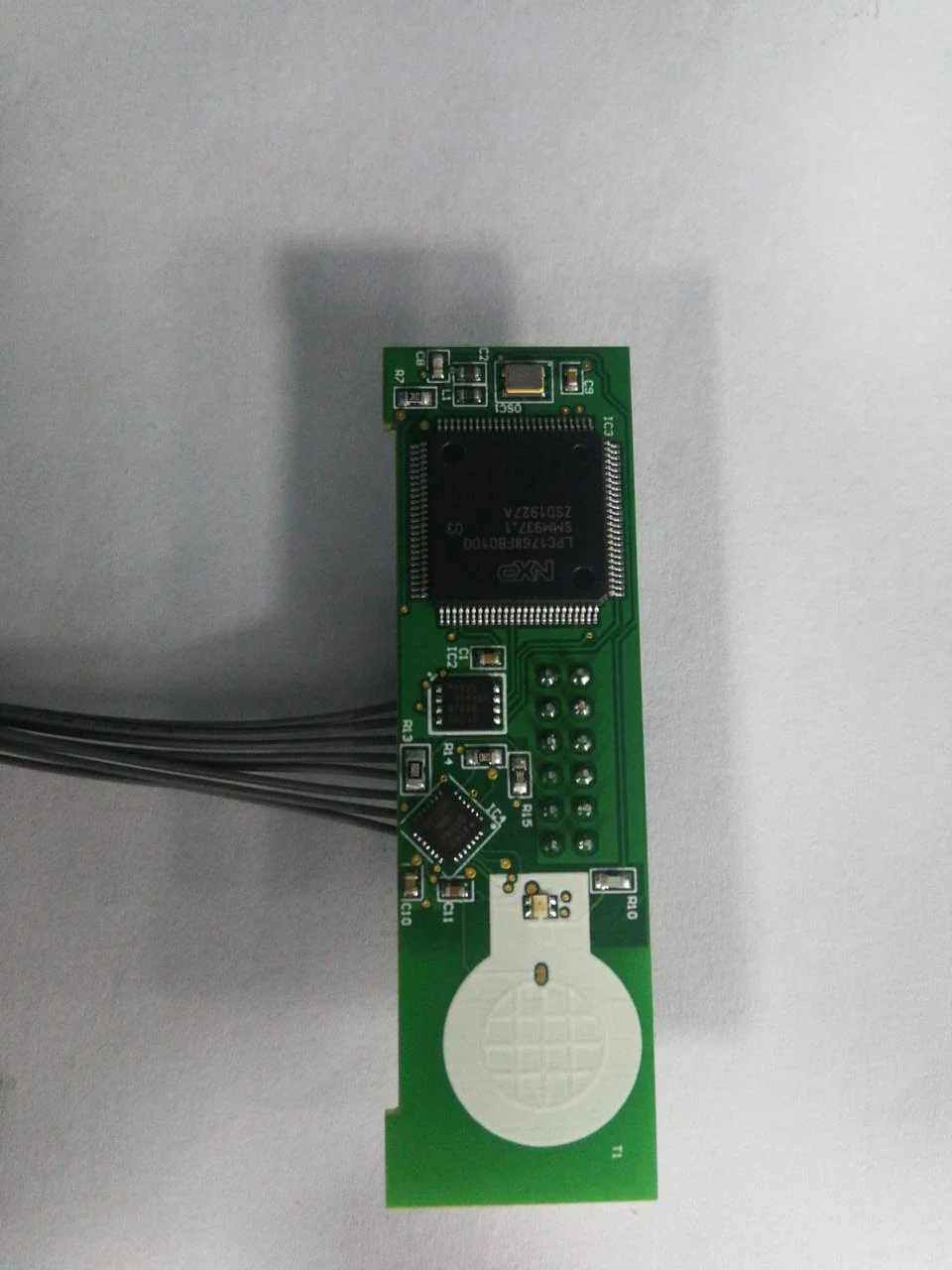
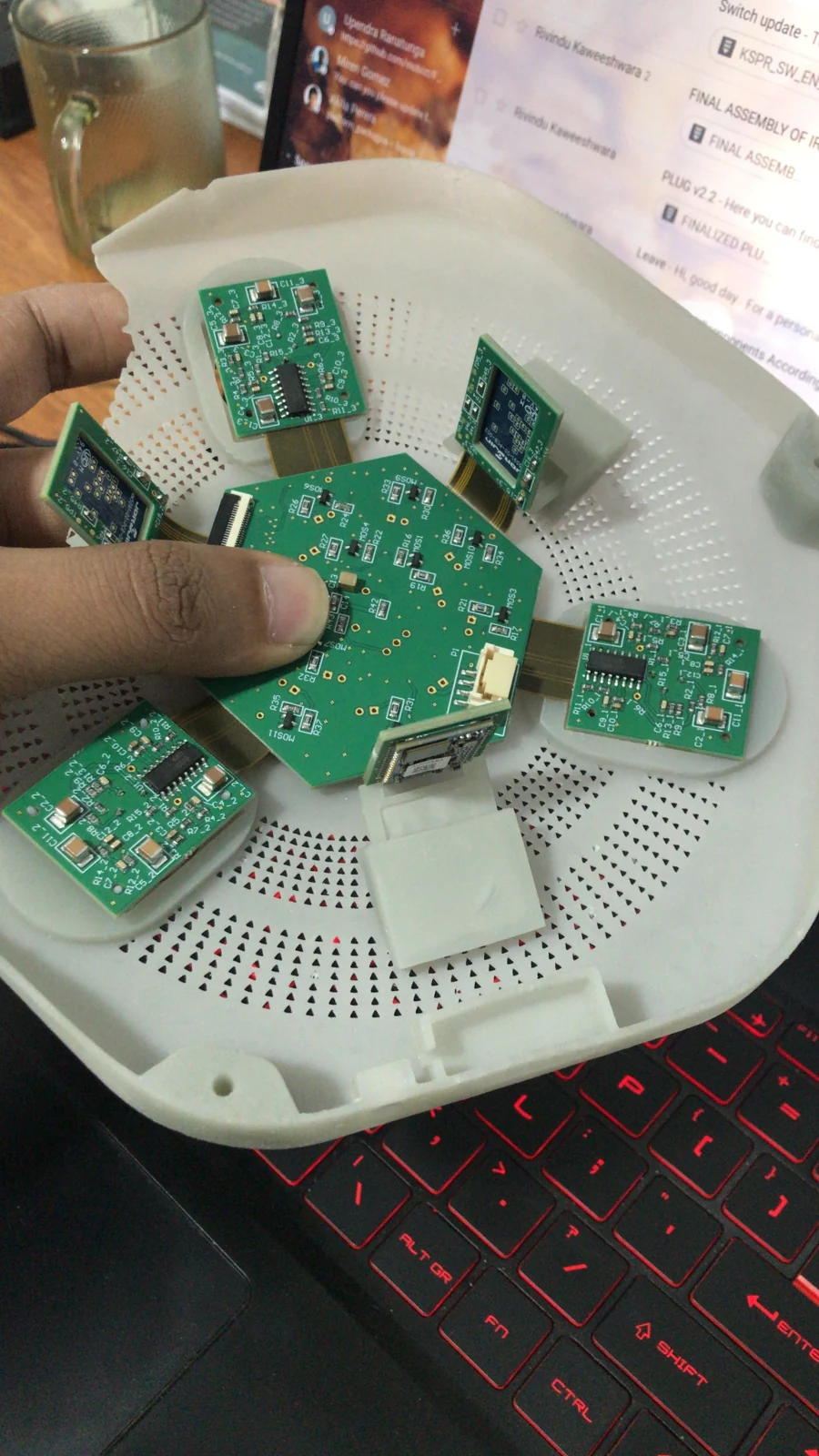
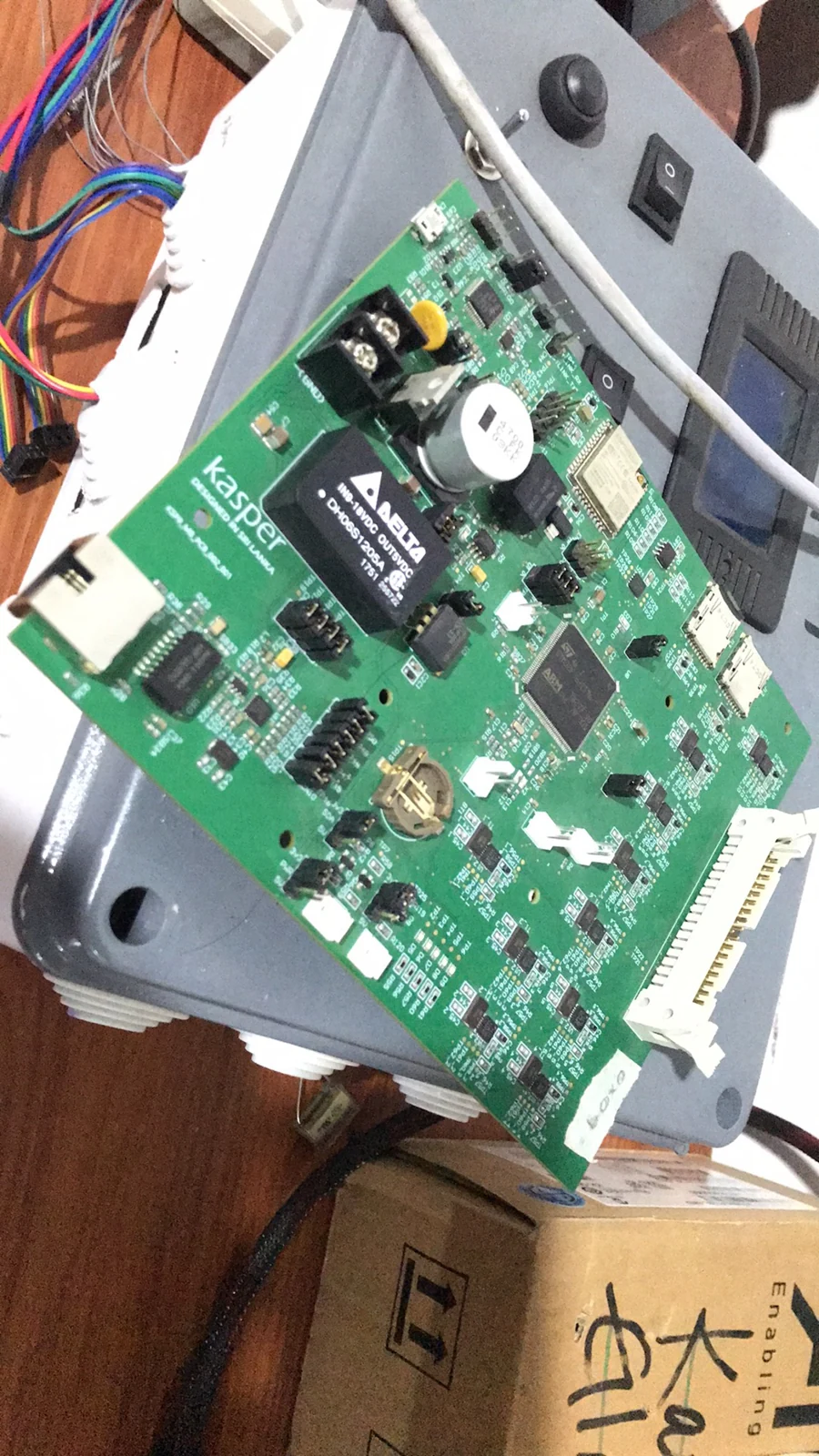
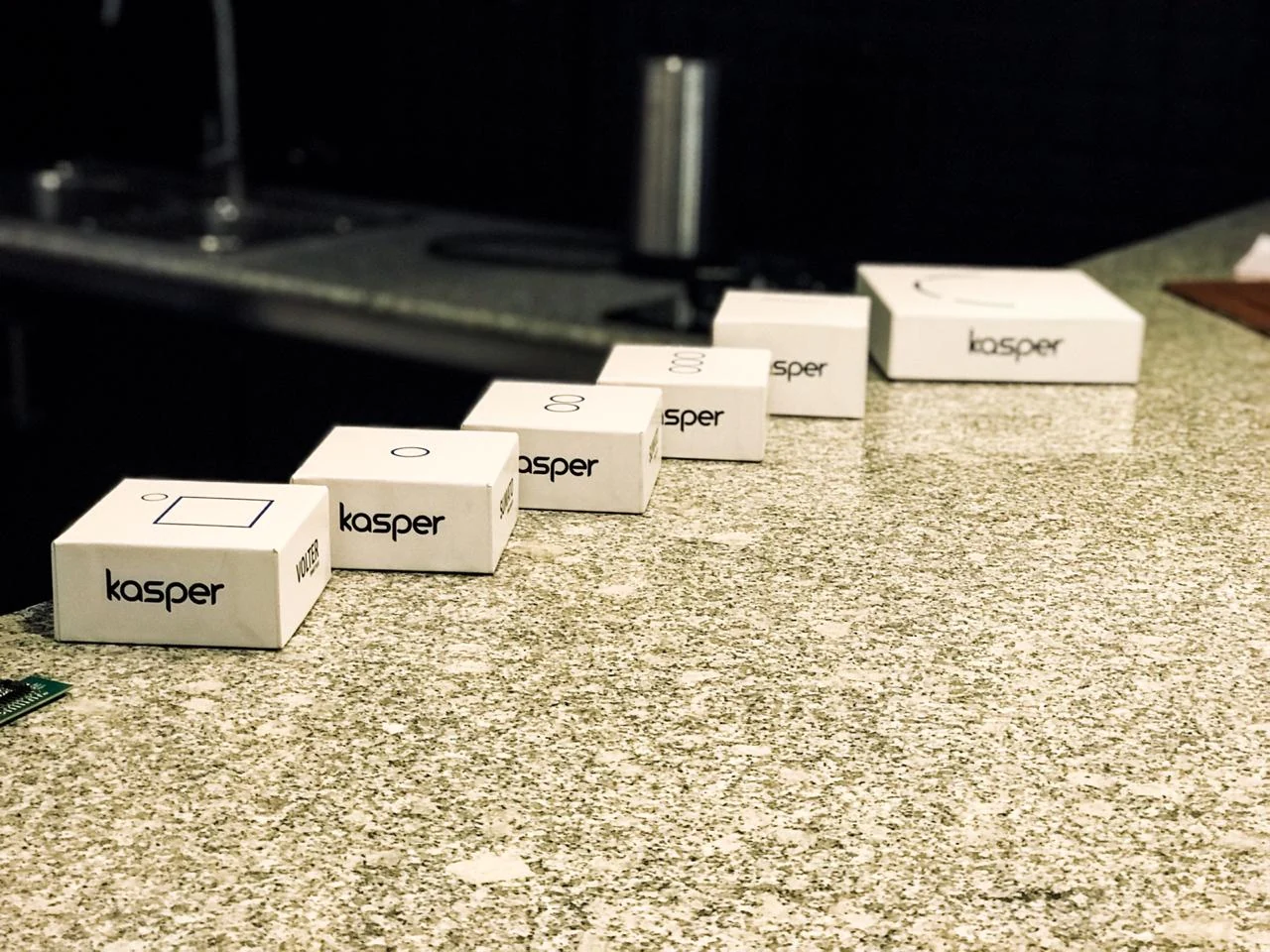
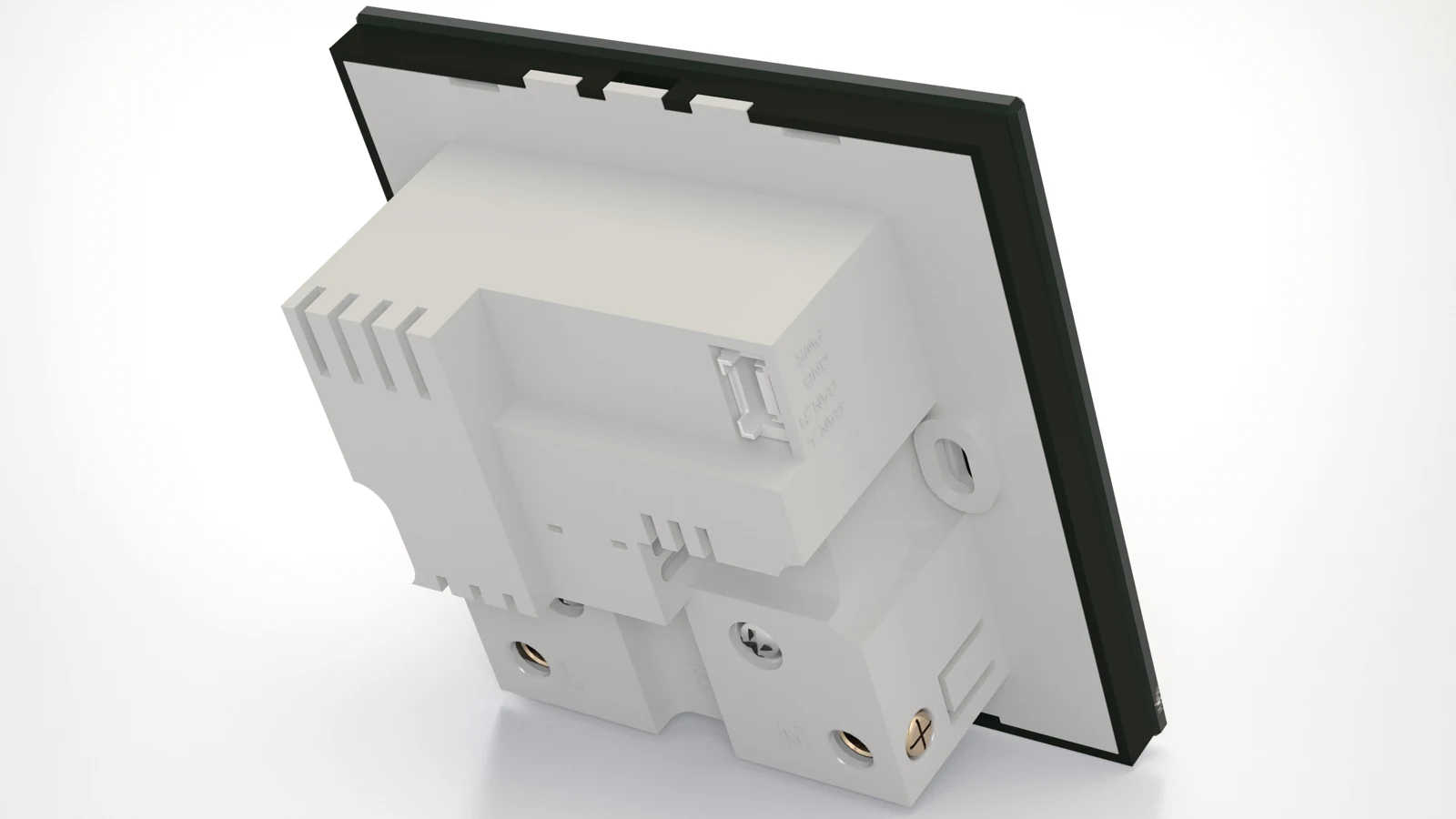
↗PRODUCT HARDWAREThe Kasper product familyA selection of Kasper-branded devices from my connected-product work.↗PCB PROTOTYPEElectronics behind the interfacePopulated PCB with relays, terminal blocks and board connectors.↗PRODUCT RENDERIR controller concept3D product rendering exploring the matte-black enclosure and controls.↗TEST JIGA practical test interfaceKasper test-jig assembly with a display, labelled controls and a connected board.↗3D-PRINTED PARTSFrom CAD to physical partsPrinted enclosure shells and frames prepared for prototype assembly.↗ASSEMBLY & TESTWorking across multiple devicesA development panel bringing multiple device assemblies into one setup.↗PCB PROTOTYPEController board developmentController PCB showing the connectors and components behind the product.↗PCB PROTOTYPEA physical control, on the benchBoard prototype with a rotary control fitted for development.↗PCB PROTOTYPEA compact board formatSlim circuit-board prototype with its wired connection.↗PCB PROTOTYPEElectronics in a circular footprintCircular PCB prototype with modules, connectors and fitted components.↗PRODUCT INTEGRATIONThe board meets the enclosureCircuit boards alongside an open circular device enclosure during development.↗PRODUCT INTEGRATIONChecking the physical fitPCB positioned in an open enclosure during prototype integration.↗DEVICE ENCLOSURESA family of enclosure formatsKasper-branded device enclosures shown together.↗PRODUCT RENDERExploring the product form3D product rendering of an enclosure and its separate front component.↗CAD STUDYDesigning around the assemblyCAD study of a curved mounting part and cylindrical component.↗3D-PRINTED PROTOTYPEAn assembly you can holdPrinted part used to explore the physical assembly and fit.↗3D-PRINTED PARTSParts ready for assemblyPrinted enclosure components and frames laid out together.↗HARDWARE ASSEMBLYPutting the prototype togetherCircular hardware assembly during bench development.↗BENCH ASSEMBLYHands-on prototype workBench assembly during Kasper product development.↗ARCHIVE PRODUCT RENDERTwo-gang switch designProduct render showing the touch face, glass panel and rear enclosure.↗ARCHIVE PRODUCT RENDERFan controller / dimmer designFront-view product render of the rotary control and illuminated indicator.↗ARCHIVE PRODUCT RENDERIR device assembly studyAssembly render showing the circular housing, IR components and illuminated ring.↗ARCHIVE PRODUCT RENDERMain-board enclosure conceptProduct render of the main-board enclosure from the Kasper design archive.↗DRIVE PRODUCT ARCHIVEOne-gang touch switchFront-view product presentation of the one-gang smart switch.↗DRIVE PRODUCT ARCHIVETwo-gang touch switchFront-view product presentation of the two-gang smart switch.↗DRIVE PRODUCT ARCHIVEThree-gang touch switchFront-view product presentation of the three-gang smart switch.↗DRIVE PRODUCT ARCHIVESmart IR blasterProduct presentation of the circular Kasper IR device.↗DRIVE PRODUCT ARCHIVEBehind the switch faceRear-view render showing the enclosure and mounting arrangement.↗EXPLODED PRODUCT RENDERSmart switch — exploded viewTouch face, upper and lower PCBs, and rear enclosure separated to show the assembly.↗EXPLODED PRODUCT RENDERSmart plug — exploded viewSocket face, circuit boards and enclosure shown as separate parts.↗EXPLODED PRODUCT RENDERFan / dimmer — exploded viewRotary interface, board stack and enclosure shown in assembly order.↗EXPLODED PRODUCT RENDERIR controller — exploded viewSensor face, angled sensor boards, main PCB and circular enclosure.↗EXPLODED PRODUCT RENDERMain control unit — exploded viewFront cover, power supply, controller boards and connection hardware.
04 / VALIDATION
Check the behaviour.
Development involved prototype bring-up, hardware rework, firmware debugging and test tooling. Oscilloscopes, logic analysers and JTAG supported fault investigation, while Linux / Python tools and test jigs supported configuration and validation work.
7+ IoT and automation devices
PCB, firmware and mechanical collaboration
Progression into engineering leadership
05 / OUTCOME & REFLECTION
What the work adds up to.
Contributed to a family of 7+ automation devices and progressed through three engineering roles. The work spans product development, prototyping, firmware and hardware validation, and manufacturing support.
Product ownership means staying involved beyond the schematic or firmware change. Manufacturing questions, service requirements and the people integrating the system are part of the engineering problem.